
Subjects and subject groups
Subjects underpin exams, marks entry, report cards, the timetable and lesson plans. Create them before the first exam of the year.
What’s new — 4 September 2026
Section titled “What’s new — 4 September 2026”Deleting a subject now also removes its Required Subjects entries. You no longer need to remove those rules separately before deleting the subject.
Subjects
Section titled “Subjects”Go to Academics → Subjects.
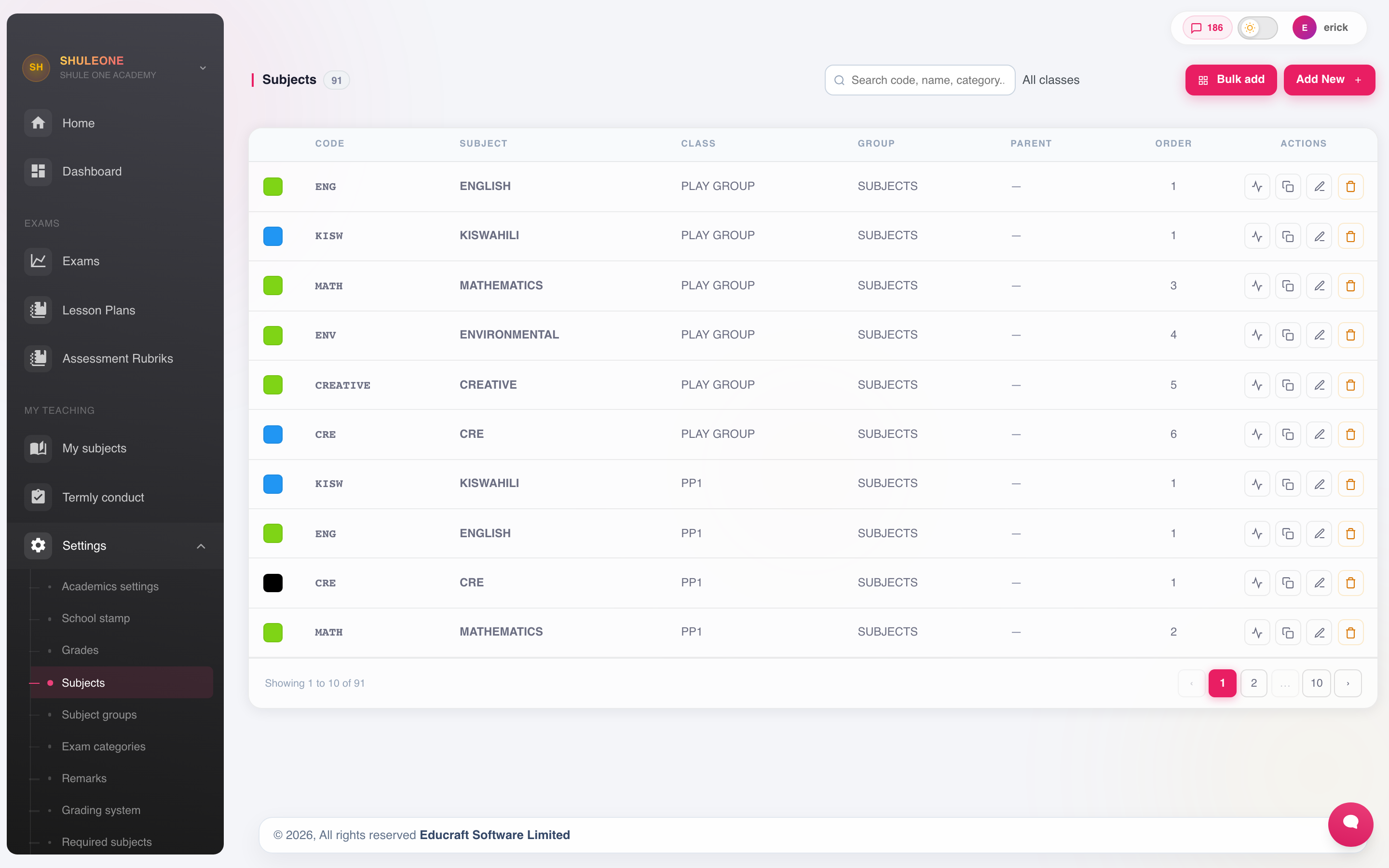
Subjects with their codes, departments, curriculum and current status.
Select Add New and set:
| Field | Notes |
|---|---|
| Subject name | As it should appear on the report card. |
| Subject code | Short code used on marks sheets and timetable grids, where the full name will not fit. |
| Department | Which department owns it. |
| Classes | Which classes take the subject. |
| Category | Whether it is examinable, and how it contributes to totals. |
Delete a subject
Section titled “Delete a subject”Delete the subject from Academics → Subjects. Its required-subject rules are removed automatically, so a deleted subject cannot remain a compulsory requirement that prevents pupils from receiving overall exam grades and positions.
This does not delete exam marks or subject-selection records. Other dependencies may still prevent deletion. If deletion fails, the subject and its required-subject rules are both kept; review the dependency message before trying again.
Subject groups
Section titled “Subject groups”A subject group is a set of subjects treated together for analysis and for choice rules — Sciences, Humanities, Technicals. Go to Academics → Subject Groups.
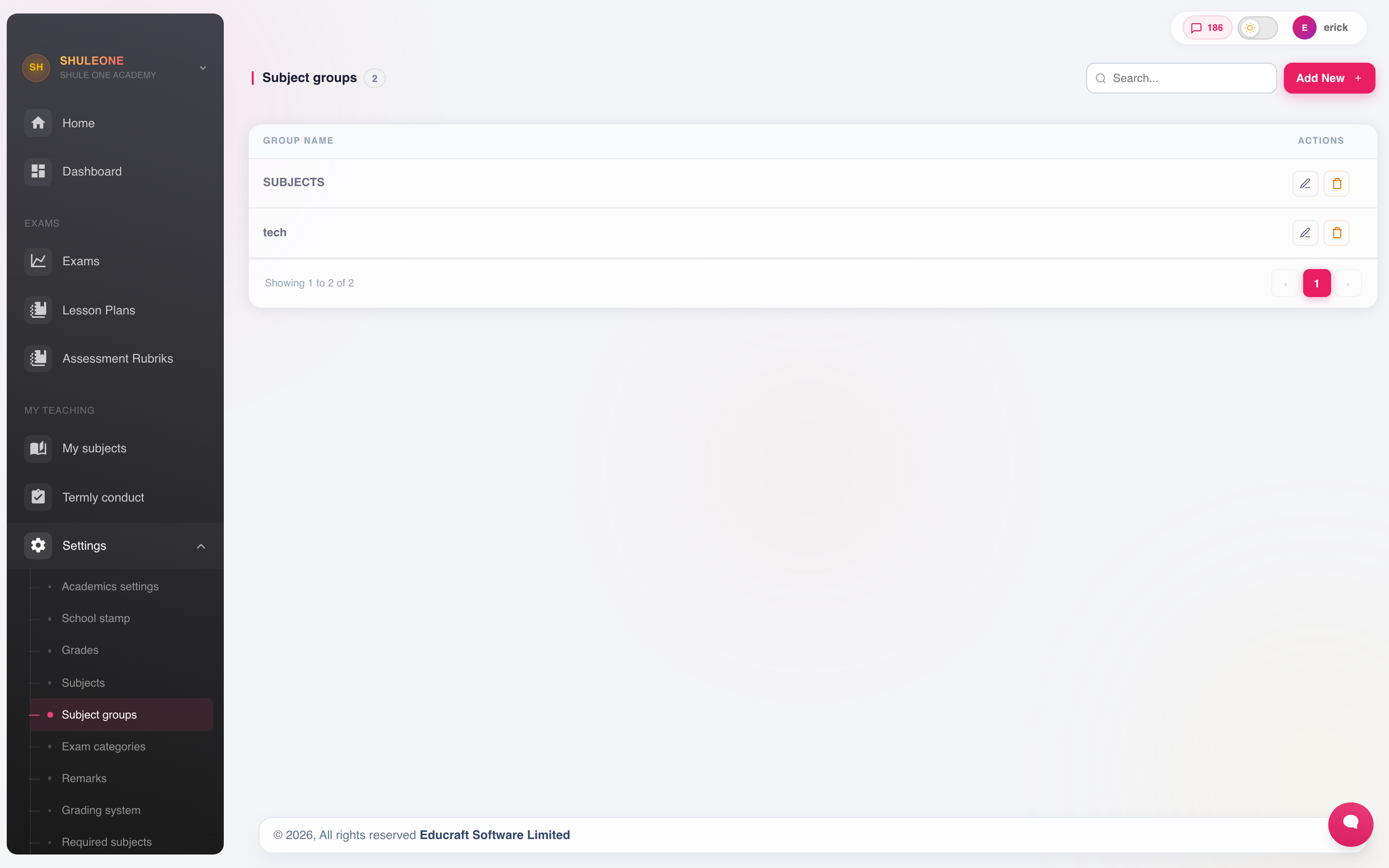
The subject groups currently configured for the school.
Groups are used for:
- Analysis — mean scores per group on the exam analysis.
- Selection rules — “choose two from Sciences”.
- Report card layout — subjects print grouped rather than alphabetically.
Required subjects
Section titled “Required subjects”Compulsory subjects are set under Academics → Required Subjects.
A required subject is assigned to every student in the class automatically, and cannot be dropped during subject selection. Everything not marked required is optional and chosen.
Subject selection
Section titled “Subject selection”Where students choose optional subjects, Subject Selection records the choices.
Selection matters beyond the timetable: a student who is not registered for a subject does not appear on its marks sheet and the subject does not appear on their report card. If a student’s report is missing a subject they clearly sit, their selection is the place to look.
Complete selection before exams are created, so marks sheets are built against the right class lists.
The learner’s E-learning subject picker is separate. For Cambridge IGCSE and AS/A Level it uses the class’s linked Cambridge catalogue subjects and saves the learner’s learning shelf. It does not replace Academics → Subject Selection, which remains the authority for marks sheets, report cards and timetables.