
The ledger
Underneath the fee system is a full accounting ledger. Fee transactions post to it automatically; this section is where the structure is defined and where anything that does not come from fees is entered.
Chart of accounts
Section titled “Chart of accounts”Go to Finance → Chart of Accounts.
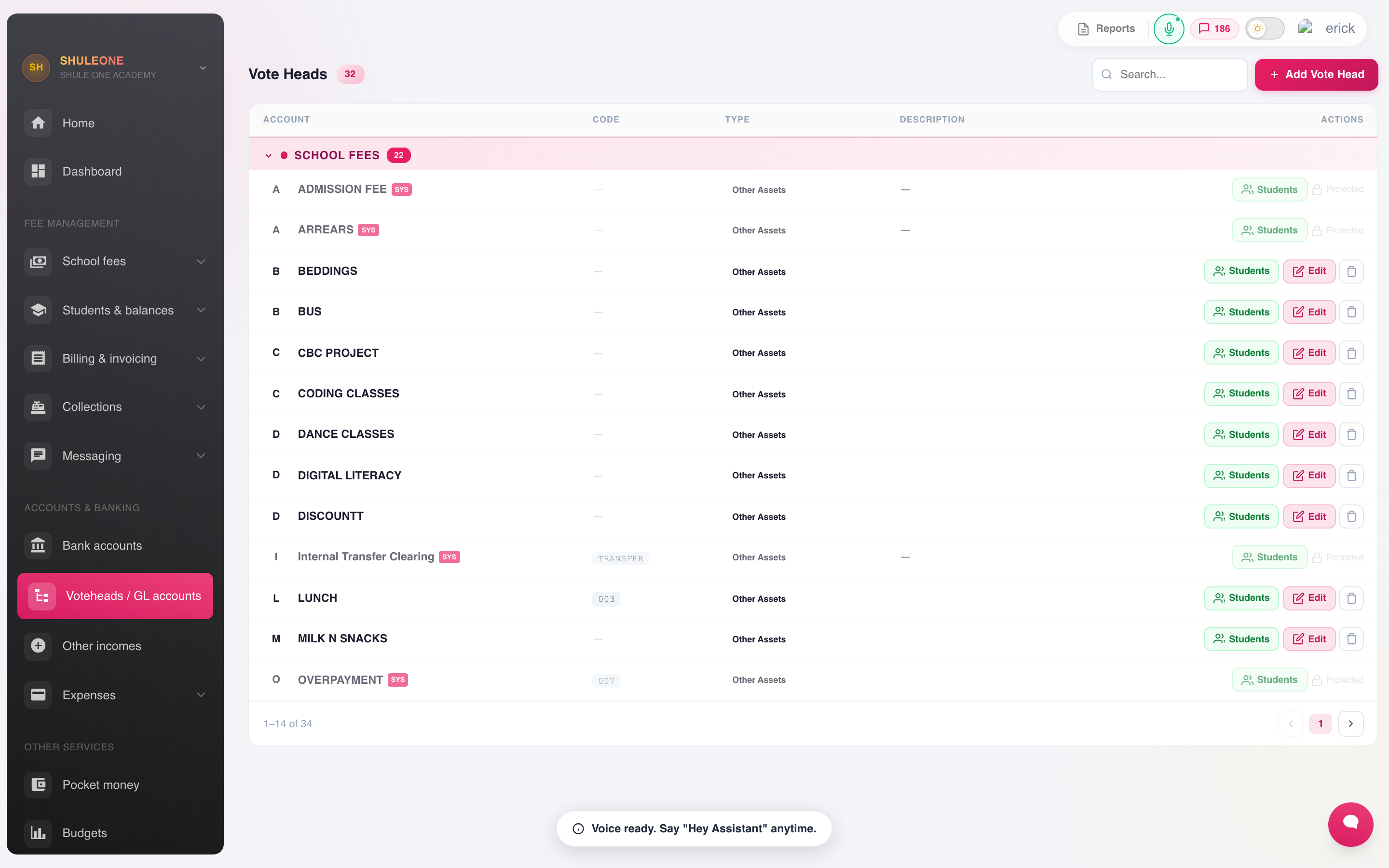
Accounts grouped by type, with their codes and active status.
Each account has a code, a name and a type — asset, liability, income, expense or equity. The type decides which statement the account appears in and how it behaves at year end.
Set the chart up once, with your accountant, before the first transaction. Restructuring a chart with a year of postings behind it means re-mapping history.
Account groups
Section titled “Account groups”Groups collect accounts for reporting — all staff costs, all utilities — so the income and expenditure statement reads as a summary with detail underneath rather than as eighty lines.
Bank accounts
Section titled “Bank accounts”Finance → Bank Accounts holds the school’s accounts.
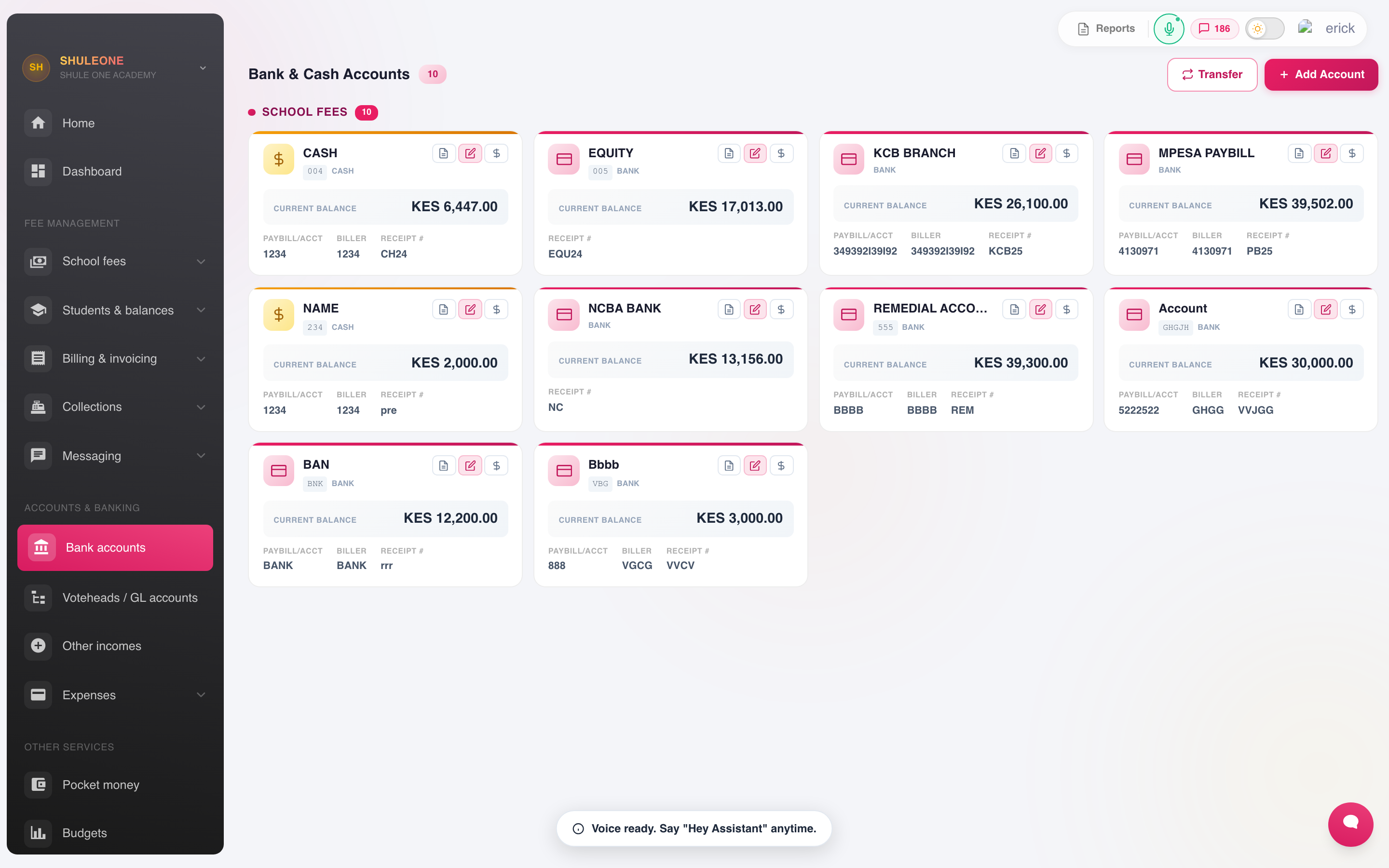
Each card shows an account’s bank, account number and current balance.
Record the bank, branch, account name and number, and the ledger account it maps to.
Staff with View bank accounts can open the account cards, inspect balances and date filtered statements, and print or export those statements. Account creation and editing, opening balances and transfers remain finance-administrator actions. Assign the specialised role under Settings → Users → Rights → Finance.
Manual journals
Section titled “Manual journals”Finance → Manual Journal posts directly to the ledger: accruals, prepayments, depreciation, corrections and opening balances.
A journal must balance — total debits equal total credits — and will not save otherwise. Record a narration on every line. “Adjustment” is not a narration; “Reverse Feb accrual for KPLC, invoice 88231” is.
Each journal line has a searchable account field. Open it and type part of the account name or account group to narrow the list, then select the required ledger account.
When a manual journal uses a Bank or Cash chart account, ShuleOne includes that line in the account’s cash book and Bank Reconciliation automatically. For example, if a bank deposit includes money that belongs to another school or organisation, debit the receiving bank account and credit a suitable liability such as Due to Others. Do not record the amount as income. The statement deposit can then be matched as a group against the original receipt lines plus the bank line from this journal.
Bank reconciliation
Section titled “Bank reconciliation”Finance → Bank Reconciliation matches the ledger against the bank statement.
What’s new — 12 September 2026
Section titled “What’s new — 12 September 2026”Small payroll and statutory-remittance rounding differences can now be resolved while matching. Select the statement movement and its single cash-book entry. For a statutory remittance difference of up to KES 5.00, Match selected offers to replace only the bank-facing amount with the amount that cleared and post the difference to Payroll Rounding Variance. The payroll-calculated statutory liability remains unchanged, and the original bank row is retained as reversed for audit.
Before using the adjustment, reverse any manual journals previously posted as a workaround so that the variance is not recorded twice. Confirm the amount against the agency receipt or payment confirmation; larger differences still require investigation.
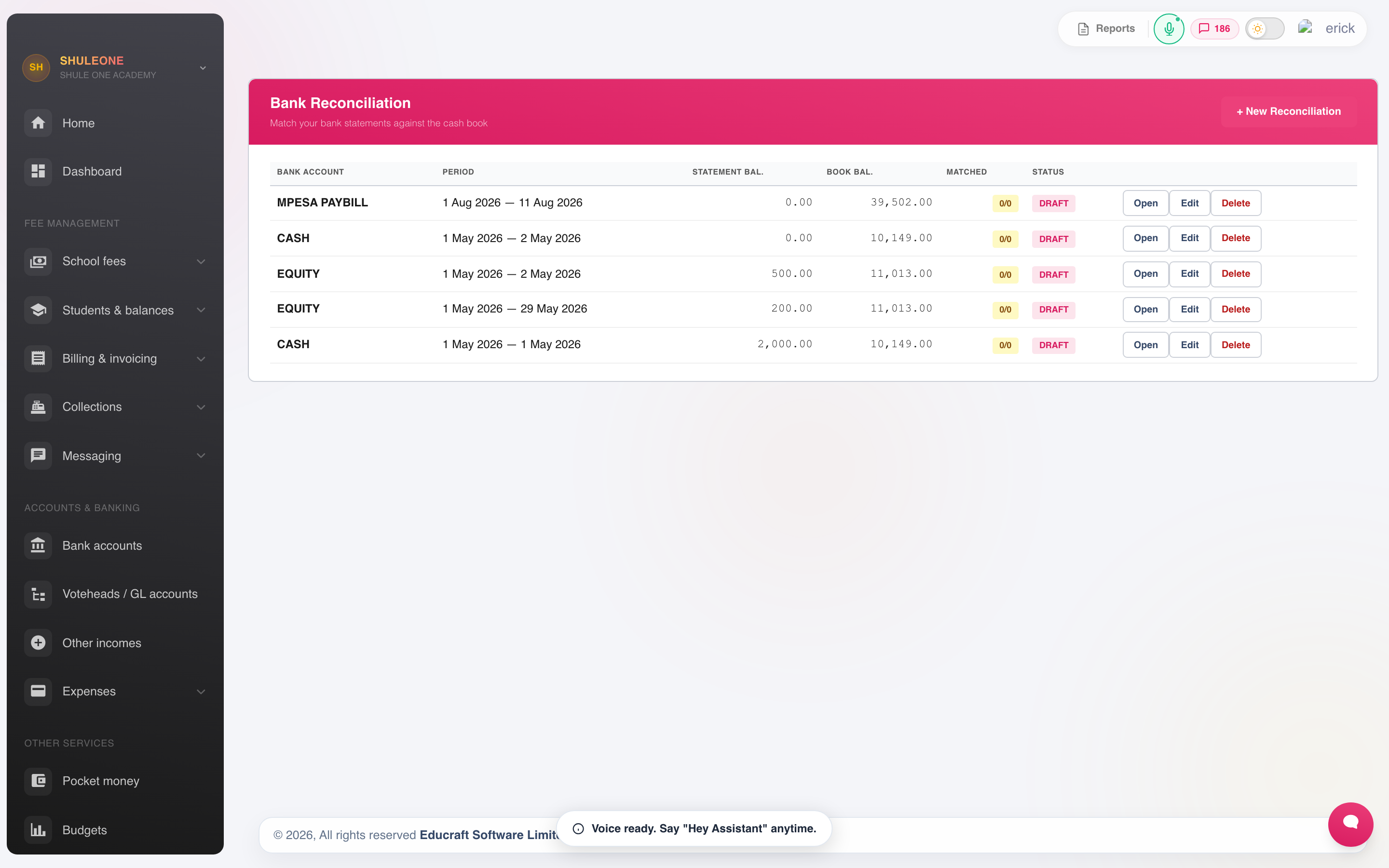
Reconciliations are listed by account and statement period.
- Choose the bank account and the statement period.
- Enter the closing balance from the statement.
- Tick off the transactions that appear on both sides.
- Investigate what is left.
For M-PESA, export the statement as CSV from the M-PESA business portal and use the session’s Import statement action. Safaricom’s Completion Time, Receipt No., Details, Paid In, Withdrawn and Balance headings are accepted directly. Import into the chart-of-accounts bank row for the same paybill; choosing another account makes otherwise valid receipt codes appear unmatched.
What remains unticked is one of:
- Timing — a cheque issued but not presented, or a deposit banked after the statement date. These clear themselves next period.
- Missing from ShuleOne — bank charges, interest, a direct transfer nobody receipted. Post these, usually as other income or a journal.
- Missing from the bank — money receipted but never banked. Stop and investigate before doing anything else.
- An error — a wrong amount on one side. Correct it by reversal, not by editing.
Reconcile monthly. A reconciliation left until year end is a much harder piece of work than twelve small ones, and it delays finding the problems that matter.
Budgets
Section titled “Budgets”Finance → Budgets sets a budget per account for the financial year and reports actual against it.
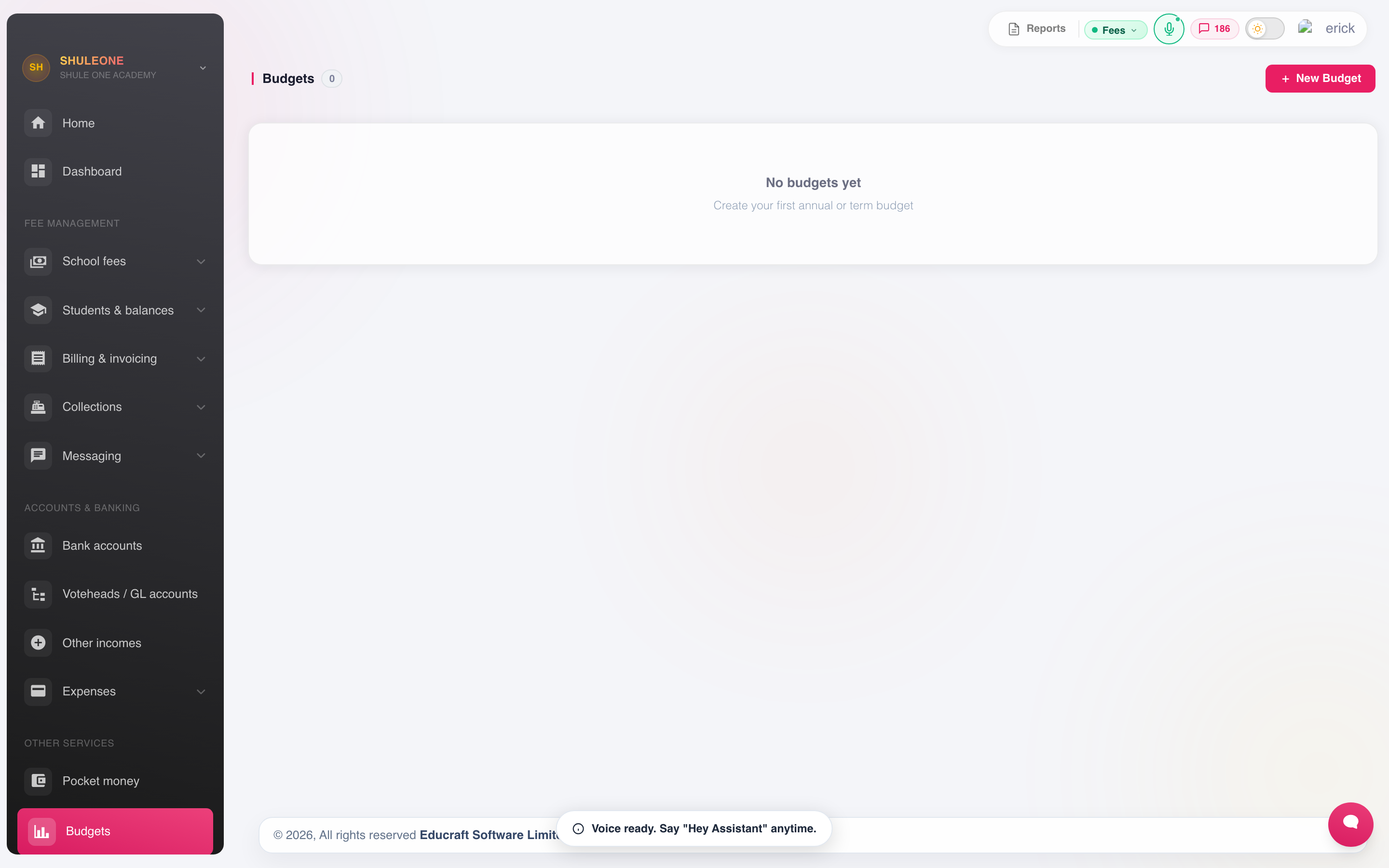
The current Budgets screen, with an action to create a budget.
Budgets are set at the start of the year against the chart of accounts. The value is in reviewing them monthly rather than at year end — a line running 40% over in March can still be corrected.
Finance settings
Section titled “Finance settings”Finance → Settings controls the module’s behaviour: receipt and invoice numbering, whether one-time codes are required, allocation rules across voteheads, and the default accounts new voteheads map to.
Numbering in particular should be set before the first receipt is issued and left alone afterwards.
School loan accounting
Section titled “School loan accounting”School borrowing posts to this ledger only after bank credit or repayment is confirmed. Funding debits the selected school Bank account and credits School loans payable. Repayments debit that liability for principal and School loan interest expense for interest, then credit the Bank account used. The two system accounts are created on the first relevant posting. Configure Liability and Expense account types before posting.
Loan proceeds do not create fee receipts, other income or payroll deductions. Confirm all payments in the lending workflow so its loan balance and the accounting ledger stay together; do not post duplicate manual journals for those transactions. The accounting period must be open and have no protected downstream carried balances.
Supplier opening balances — 13 October 2026
Section titled “Supplier opening balances — 13 October 2026”In Finance or Inventory, open the supplier statement and select Opening balance. Enter a positive amount for money owed to the supplier, a negative amount for a supplier credit, or 0 for no opening balance. The bill list’s Edit opening balance action accepts the same values. Zero clears the previous opening journal; negative amounts reverse the debit/credit direction. If payments or write-offs have already settled the opening balance, reverse those settlements before changing its amount.