
Billing students
Billing turns the fee structure into invoices against real students. Until you bill, nobody owes anything.
What’s new
Section titled “What’s new”4 September 2026 — Closed-year credit and debit corrections have a database fix for the generic Correction not posted error during journal posting. Once support has applied the fix, retry Post linked correction; no restart is needed if your installation already has the closed-year correction feature.
4 September 2026 — Unbilling a reopened year no longer fails just because a later student ledger exists. Later ledgers must be open with their carried openings cleared. The backend must be updated and restarted before retrying a previously blocked void.
Billing a term
Section titled “Billing a term”Go to Finance → Student Billing.
- Choose the term and the classes.
- Confirm the structure shown is the one you intend to apply.
- Select Bill.
Every student in those classes gets an invoice for their class’s structure. Students admitted later are billed when you re-run for their class — already-billed students are not double-billed.
Bill once, early in the term, and let the exceptions be handled individually. Repeated whole-school billing runs to catch a few stragglers is how duplicate invoices appear.
Review transport after term billing
Section titled “Review transport after term billing”After saving fee-structure billing or completing a term billing copy, select Review transport billing to open Transport → Assignments. A transport administrator can use the Term billing tab to search, filter and preview missing charges for the school’s current billing period. Select Review & bill X to bill all eligible filtered students across pages, or tick specific students first. Check the displayed period, especially if you billed class fees for a future term. Pickup assignments carry forward, but that alone does not bill the new term. Existing charges are skipped, and agreed and one-way fares are respected. See billing term transport charges.
Individual billing
Section titled “Individual billing”For one student who differs from their class — a bursary, a scholarship, a mid-term joiner, a one-off charge such as a replacement textbook — use Individual Billing.
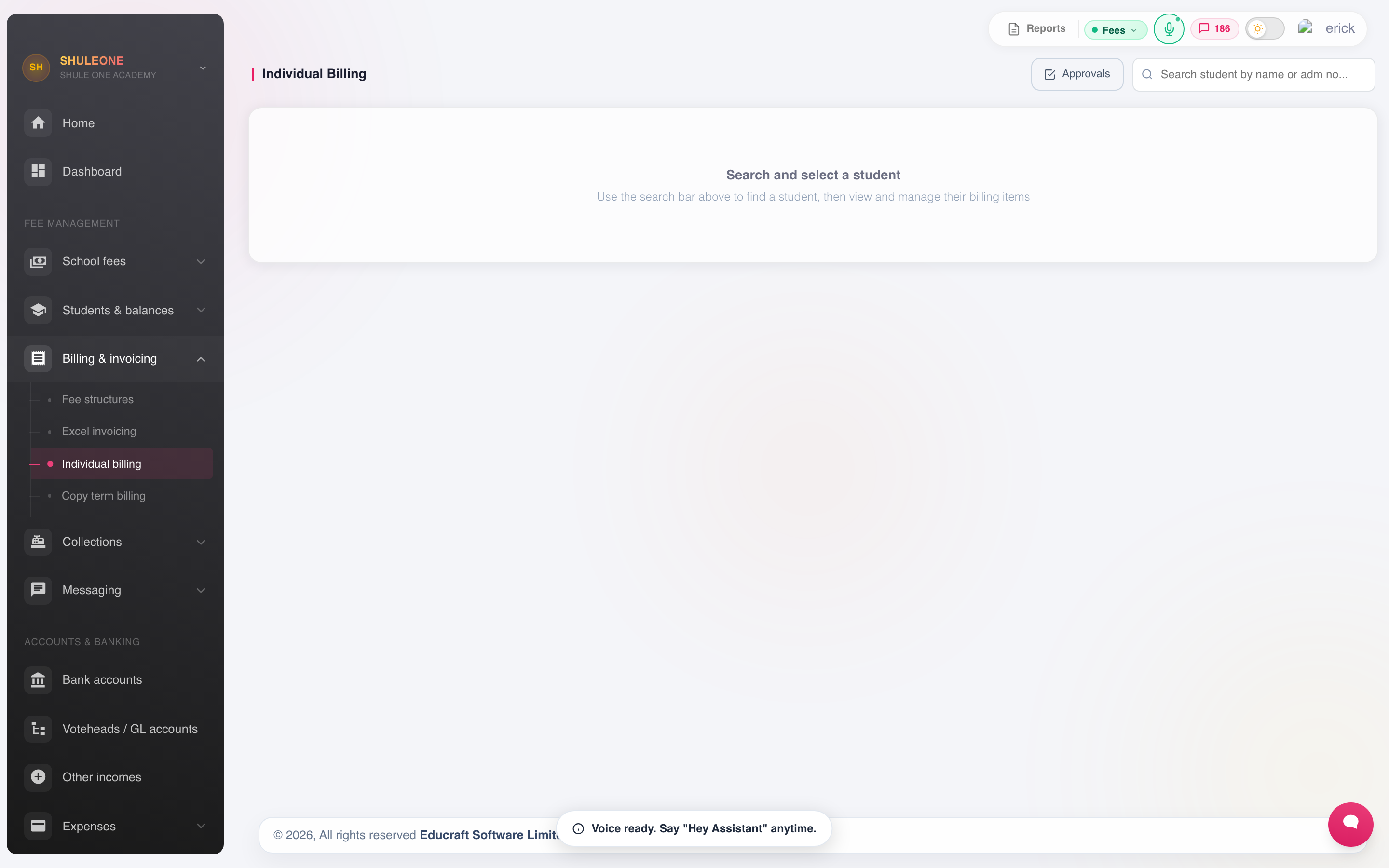
Search for a student before entering an individual charge or waiver.
Choose the student, the votehead, the amount and the term, and add a note explaining why. The note is the important field: in six months, “Bursary — board approved 15/02” answers a query that “adjustment” does not.
Unbill selected voteheads
Section titled “Unbill selected voteheads”To remove several charges without removing every fee in the term, tick the required voteheads in the billing table and select Unbill selected. Review the selected voteheads and total, then enter one reason and authorisation date for the action.
Each votehead keeps its own audit and approval record. If your account cannot approve billing changes directly, all selected items are submitted together but remain valid until an approver decides them. Items already voided or awaiting approval cannot be selected. Void Term / Year Fees remains available when every charge in that period must be removed.
Waivers and bursaries
Section titled “Waivers and bursaries”A waiver is a negative individual bill against the votehead being waived. Recording it this way keeps the full charge and the waiver both visible, so the school can report on what it gave away. Reducing the original invoice instead hides it.
Unbilling terms a student did not attend
Section titled “Unbilling terms a student did not attend”Use Individual Billing to remove incorrect charges for the absent terms while keeping charges for terms the student attended. Repeating a class does not make every bill in that year incorrect.
- Search for the student and select the year and term to correct.
- Review the listed bills. Use the item’s void action for one charge, tick several voteheads and select Unbill selected, or use Void Term / Year Fees with the term scope to remove every charge in that term.
- Record the absence dates and reason, and complete approval if required. Bills awaiting approval remain valid until approved.
- Repeat for each absent term, then check the student’s statement.
For an absence covering Term 3 2025 through Term 2 2026, void Term 3 2025, Term 1 2026, and Term 2 2026 separately. Keep Term 3 2026 billed if the student returned then. Do not void the whole of 2026.
If the year has already been closed, follow reopening and correcting closed years: reopen closed years from newest to oldest, finish the voids and approvals, then close the completed years again from oldest to newest. This rebuilds the later opening balances from the corrected bills. Recheck the current-year balance after the close.
Correcting a bill while keeping its year closed
Section titled “Correcting a bill while keeping its year closed”For an invoice from an earlier closed year, use Correct closed year in the invoice’s action menu. The original invoice and its year’s balances remain unchanged; a linked adjustment appears in the school’s current open year and term.
- Find the student and select the original invoice’s year and term.
- Open the invoice’s action menu and select Correct closed year.
- Choose Credit — reduce balance for overbilling or Debit — increase balance for underbilling. Enter the amount and reason; add an evidence reference if available.
- Review any corrections already linked to the invoice, then select Post linked correction and complete verification if prompted.
- Check the student’s statement for the current posting period.
Total valid credits linked to an invoice cannot exceed its original amount. Your account needs finance or fee-structure management permission. The original student ledger must be closed and the current-year student ledger must be open. Invoices in the current year, or a prior year that has already been reopened, use normal editing or voiding instead.
For an incorrect Term 3 2025 bill with 2025 closed and 2026 open, a linked credit can reduce the 2026 balance without reopening 2025. Incorrect Term 1–2 2026 bills use normal voiding while 2026 is the current year.
If Correction not posted says no partial correction was saved, check the linked correction history before retrying. The journal field-length fix resolves the failure identified on 4 September 2026; other failures still need support to check the error.
Bill by Excel
Section titled “Bill by Excel”For a large one-off billing that does not follow the class structure — a trip, an examination fee for a subset of students, a uniform order — use Bill by Excel.
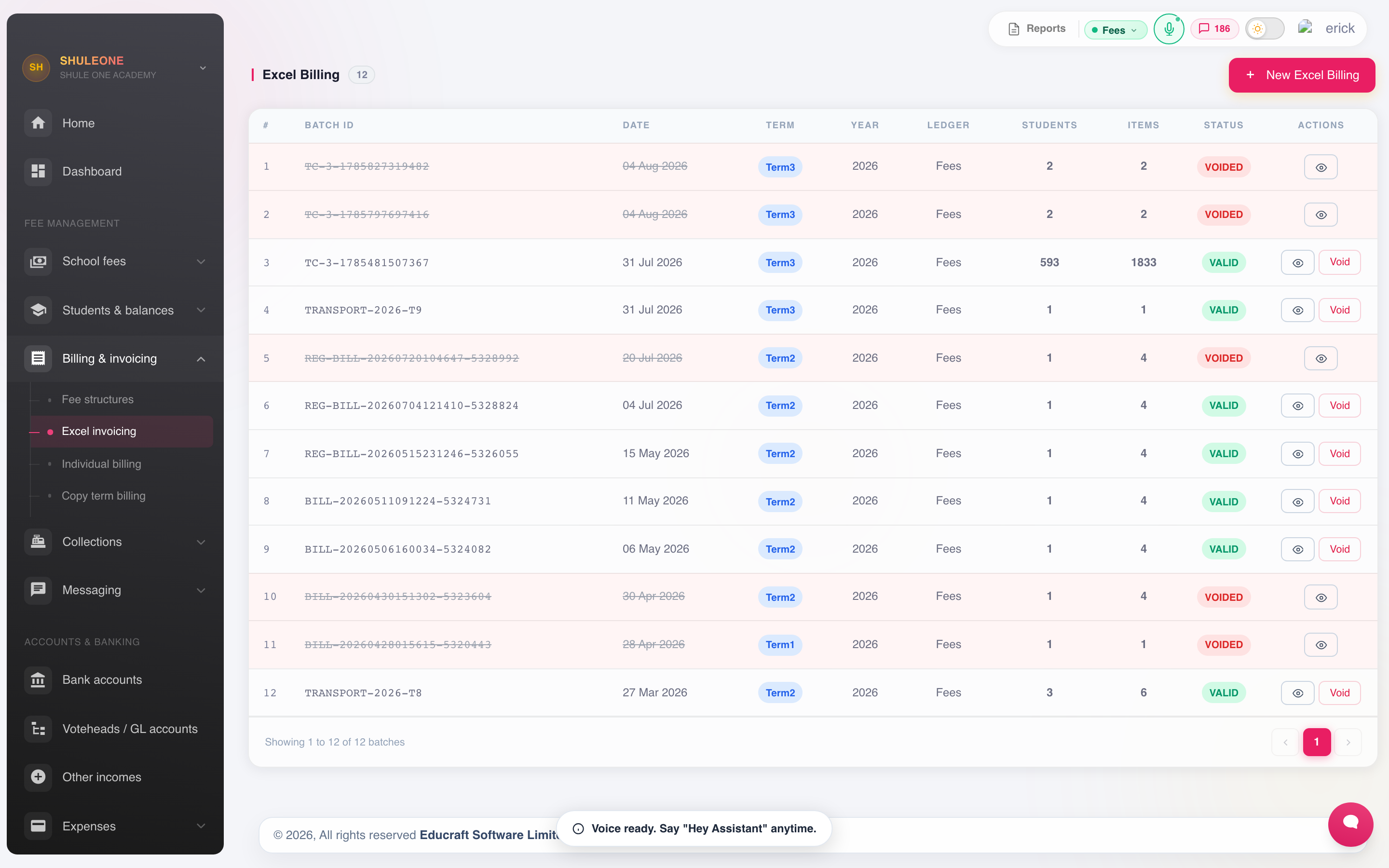
The Bill by Excel screen lists uploaded billing batches and their outcome.
- Download the template.
- One row per student: admission number, votehead, amount.
- Upload. Rows that cannot be matched to a student are reported and not applied.
- Fix and re-upload the rejected rows.
As with any import, test on a few rows first.
Other invoices
Section titled “Other invoices”Other Invoices bills someone who is not a student — a hall hire, a supplier recharge, an old boys’ association.
Sending invoices
Section titled “Sending invoices”Invoices can be sent to guardians by SMS or email from Invoice Notifications.
For a term with Other Levies billing, the sender must choose School Fees only, Other Levies only, or Combine School Fees + Other Levies. The combined option groups invoice lines by ledger, shows the two balance subtotals and a grand total, and uses the same selection for text messages, PDF links, and statement emails. Terms that contain only School Fees continue directly with the normal Fees invoice.
Sending is covered with the other statements in Balances and reminders.
Checking a billing run
Section titled “Checking a billing run”Immediately after billing, before parents start paying:
- Open Balances and compare the class total against students × structure total. A mismatch means students were missed or double-billed.
- Spot-check one boarder and one day scholar in the same class.
- Check that mid-term joiners and leavers are billed correctly.
Catching an error here costs an hour. Catching it after two hundred receipts costs a great deal more.