
Attendance reports and insights
Go to Attendance → Reports.
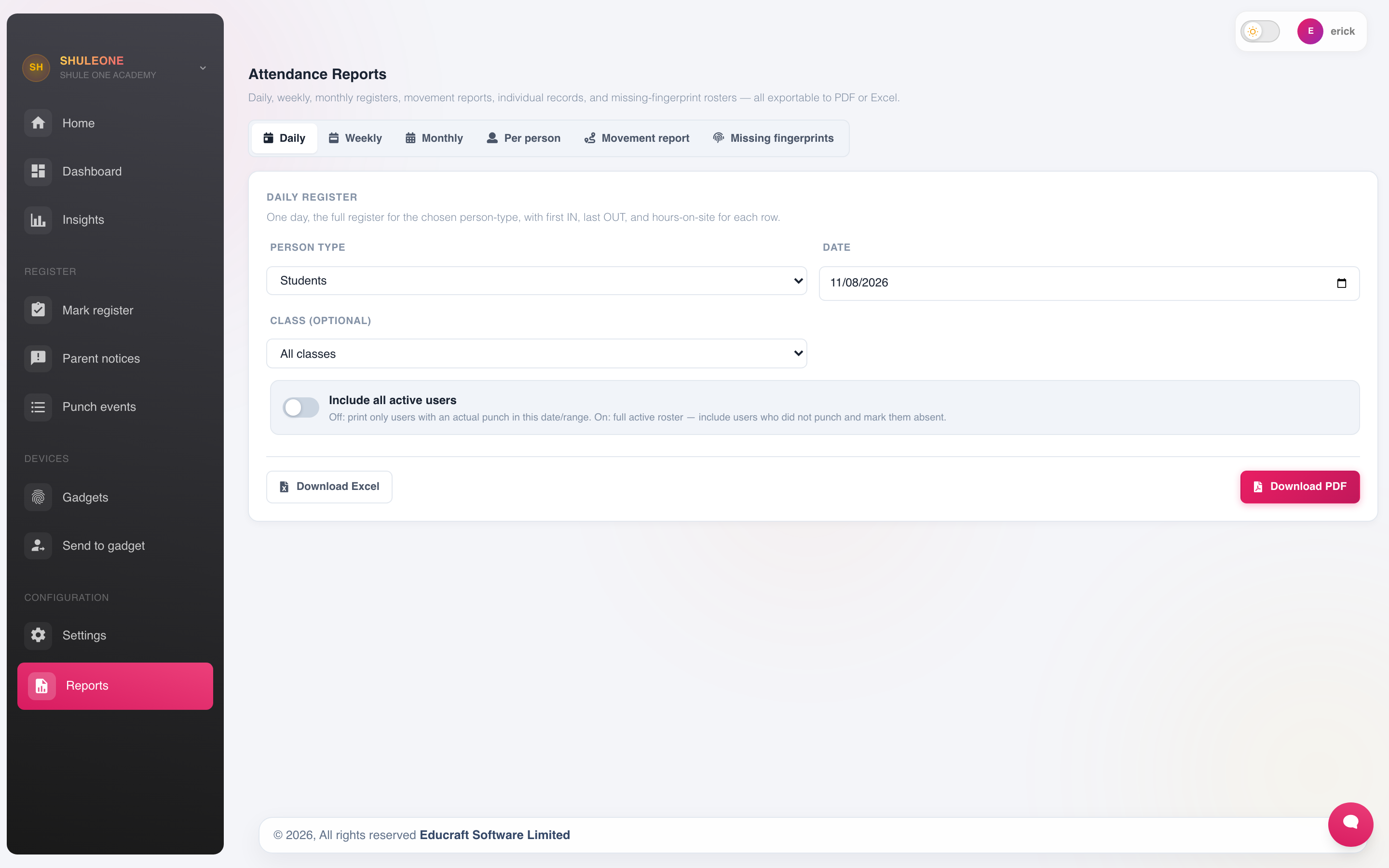
Select a report type and period, then preview or export it.
Every report takes a date range and a scope — a class, a stream, a department or the whole school — and can be exported as PDF or Excel.
Class reports
Section titled “Class reports”The class summary is the one to run before a parents’ meeting. It gives each student’s attendance percentage for the term, so a conversation about a learner who has missed a fifth of the term starts from a number rather than an impression.
Teacher and staff reports
Section titled “Teacher and staff reports”Staff reports feed HR. They are the evidence behind leave records and any attendance-linked payroll rule, so run and file them monthly rather than reconstructing a year at a time.
Insights
Section titled “Insights”Attendance → Insights goes past the totals and looks for patterns:
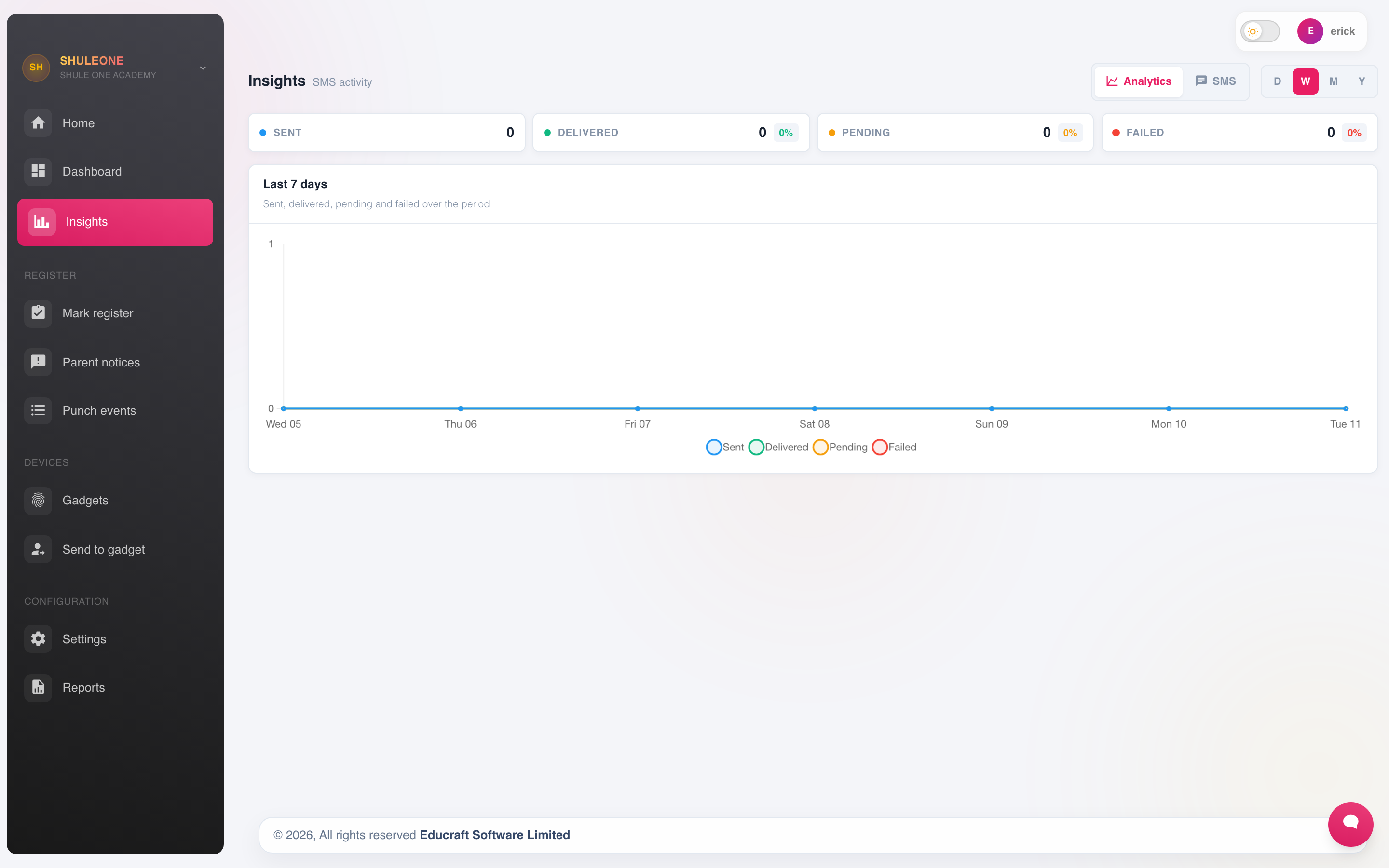
The insights timeline can be filtered by class, stream and attendance state.
- Persistent absentees — students below a threshold for the term.
- Day-of-week patterns — a class that is consistently thin on Mondays.
- Deterioration — students whose attendance has dropped sharply against their own earlier record. This is the most useful signal on the screen, because it catches a problem starting rather than a problem established.
- Unexplained absence — absences with no matching notice.
Exports
Section titled “Exports”Attendance → Exports produces the file formats needed for external returns — ministry reporting, sponsors, or a school’s own board pack. Choose the period and scope, generate, and download.
Excel is the right choice when the figures will be worked on further; PDF when the document will be signed and filed.
Reading the figures honestly
Section titled “Reading the figures honestly”Two cautions about attendance percentages:
- Unmarked is not present. A day with no register is not the same as a day when everyone attended. Check for missing registers before drawing conclusions from a period’s average.
- Events must be recorded. A trip day that was not entered as an event shows as mass absence and drags the term’s figures down.