
Financial reports
Go to Finance → Financial Reports. Choose the date, date range, term or year offered for the selected report, then export it as PDF for filing or Excel for further work.
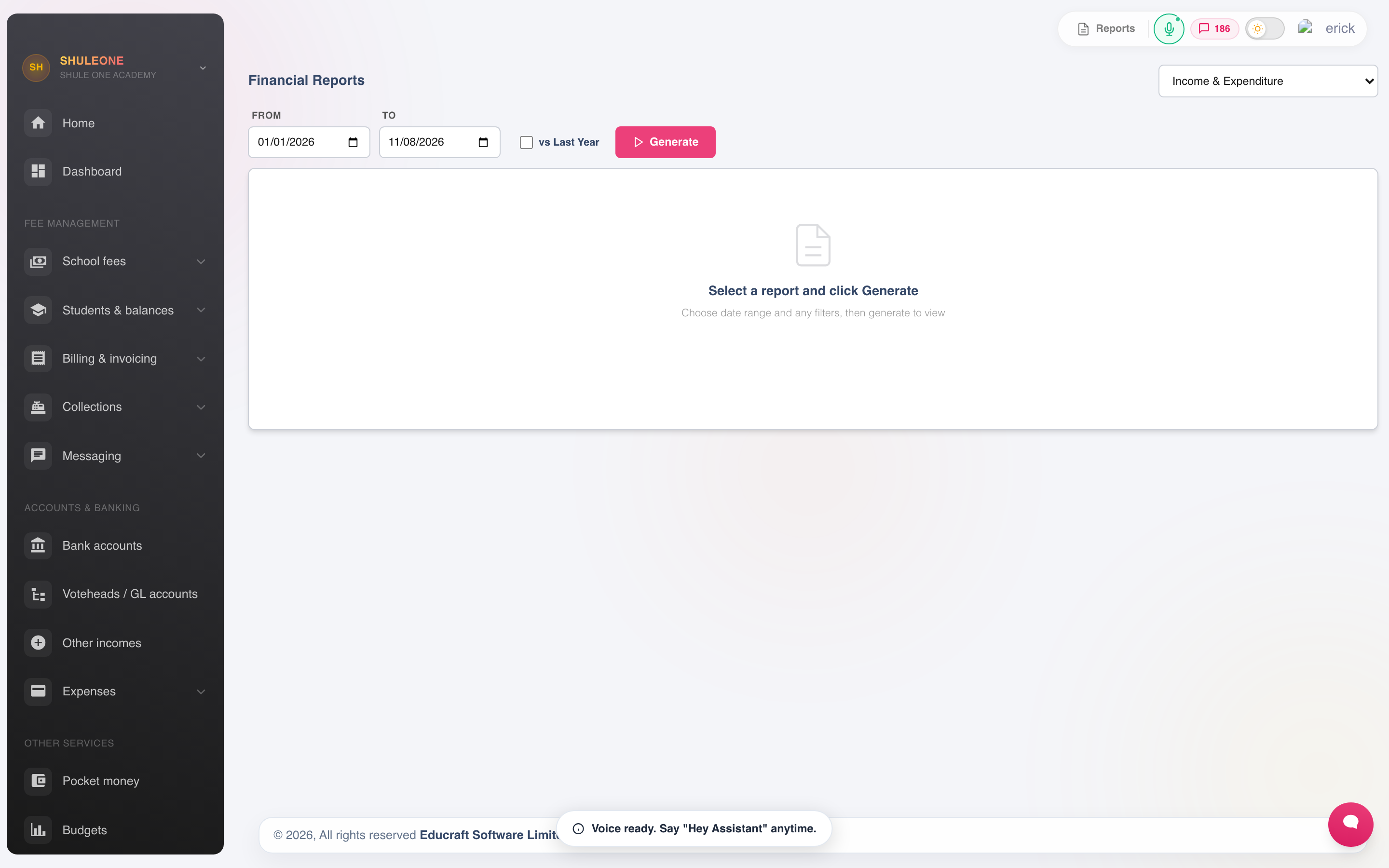
Choose a report and date range before generating it for preview or export.
Cashbook
Section titled “Cashbook”The cashbook is the day-to-day record: every receipt and payment in date order with a running balance. Run it daily and compare the closing figure to the cash and bank you actually hold. This one habit catches most errors within a day of their being made.
Income and expenditure
Section titled “Income and expenditure”The dashboard distinguishes Payments out from Expenses recognised. Payments out uses the date cash leaves the bank, including the clearing date of a post-dated cheque. Its cash-flow chart uses the same payment dates. Pending cheques, supplier credit applications and internal bank transfers are not counted as new payments out. Select the card to inspect cash-book records for the selected period.
Expenses recognised and the income-and-expenditure report retain the original expense or supplier-bill date. Paying an earlier bill does not create another expense. So a week can correctly show a cheque payment but no newly recognised expense. See Post-dated cheques and automatic clearing.
Income and expenditure summarises the period by account and group. It is the report the board reads, and the one to compare against budget.
Read it against the same period last year rather than in isolation. A 12% rise in a utilities line means something; the raw figure on its own does not.
Collections
Section titled “Collections”Collections reports what came in, sliced by class, votehead, method or date. Use it to:
- Confirm the day’s takings before banking.
- See how much of the term’s billing has been collected, by class.
- Break income down by votehead, which is what tells you whether transport pays for itself.
Income per Vote Head
Section titled “Income per Vote Head”Select Income per Vote Head and a date range to see valid student fee receipts allocated to each vote head. The Other Income section separately shows recorded non-fee receipts by their income category. The grand total adds these two sections. The receipt count on each line counts receipts allocated to that line; one receipt can appear on more than one line.
The receiving Cash or Bank account tells ShuleOne where money was deposited. It is not an income category. If an older Other Income receipt was allocated to one of those accounts, the report lists its amount under Excluded from income for review and leaves it out of Other Income and the grand total. Open the original receipt in Finance → Other Incomes to check and correct its category. The fee and other-income sections remain visible in the preview, PDF and Excel export.
What’s new — 8 October 2026
Section titled “What’s new — 8 October 2026”Cash and bank accounts no longer appear as Other Income vote heads or inflate the Income per Vote Head total. Existing receipts allocated to them are highlighted for review; recording or editing an Other Income receipt now requires a different category from the receiving Cash or Bank account.
Balances
Section titled “Balances”The balances report is the other half of the picture: what was billed, what came in, what is outstanding, by student and by class.
Billed minus collected should equal outstanding. When it does not, the usual causes are unallocated payments, credits from a previous term, or a reversal that has not been replaced.
Overpayments as at a past date
Section titled “Overpayments as at a past date”Select Overpayments Report, set As At Date, then choose Generate. The report shows the students whose payments exceeded their billing from the start of that year up to and including the selected date. For example, select 30 June 2026 to review the overpayment position at the end of that day, without payments or bills posted later.
The date is shown on the preview and is carried into both Print and Excel, so the saved report can be identified and reproduced later. Payment timing follows the payment’s deposit date, falling back to the date it was posted when no deposit date is available.
Statements
Section titled “Statements”- Student statement — one student’s full history. Send this when a parent disputes a balance.
- Supplier statement — what is owed to a vendor, from procurement.
Accounts Payable Aging
Section titled “Accounts Payable Aging”Select Accounts Payable Aging in Finance → Financial Reports to review outstanding supplier bills. Each supplier’s outstanding amount uses the remaining bill balances, including payments, imported settlement and write-offs already applied. Write-offs are not deducted again. Cancelled and fully settled bills are excluded. Unapplied supplier credit and uncleared cheques remain separate on the supplier statement; they do not reduce this report’s outstanding bills.
The aging summary assigns each bill’s remaining balance to its own due-date band: current, 1–30, 31–60, 61–90 or more than 90 days overdue. A bill without a due date is shown as current. The supplier row’s overdue days show its oldest outstanding bill; they do not mean that every bill for that supplier is that old.
What’s new — 13 October 2026
Section titled “What’s new — 13 October 2026”Payables Aging and the related payable summaries now count supplier write-offs once. The aging bands use each bill’s due date, and a school with no outstanding supplier bills sees an empty report. Generate a fresh preview, PDF or Excel export to replace reports produced before this correction.
A monthly routine
Section titled “A monthly routine”Doing these five things on the same day each month keeps the accounts in a state where year end is uneventful:
- Reconcile every bank account.
- Clear unreconciled payments.
- Run income and expenditure and compare to budget.
- Review the audit trail for reversals and manual journals.
- File the cashbook and the reconciliation.
School borrowing in financial reports
Section titled “School borrowing in financial reports”Confirmed school loan funding appears in the cashbook and bank reconciliation as School loan funding, and confirmed repayments as School loan repayment. The balance sheet includes the outstanding principal under School loans payable. Interest is an expense when a repayment is confirmed; contracted future interest is shown separately in the loan workspace and does not increase principal liability.
The cash-flow statement separates school loan proceeds and principal repayments under Financing Activities. Paid interest is included in operating expenses. Receipts and payments includes borrowing cash movements; loan proceeds are not income and principal repayment is not an expense. Pending repayment records have no effect on these reports. See repayment and reconciliation.