
The catalogue
What’s new — 7 September 2026
Section titled “What’s new — 7 September 2026”Library lists, scanner lookups, inventory views, reports and exports now keep related book, copy and category details available for the full request. If the catalogue cannot be loaded, the Books page shows a clear error with Retry instead of incorrectly saying that the catalogue is empty. The catalogue also shows each physical copy’s Book No., including every number when one title has several copies, and searches by book number.
Go to Library → Books.
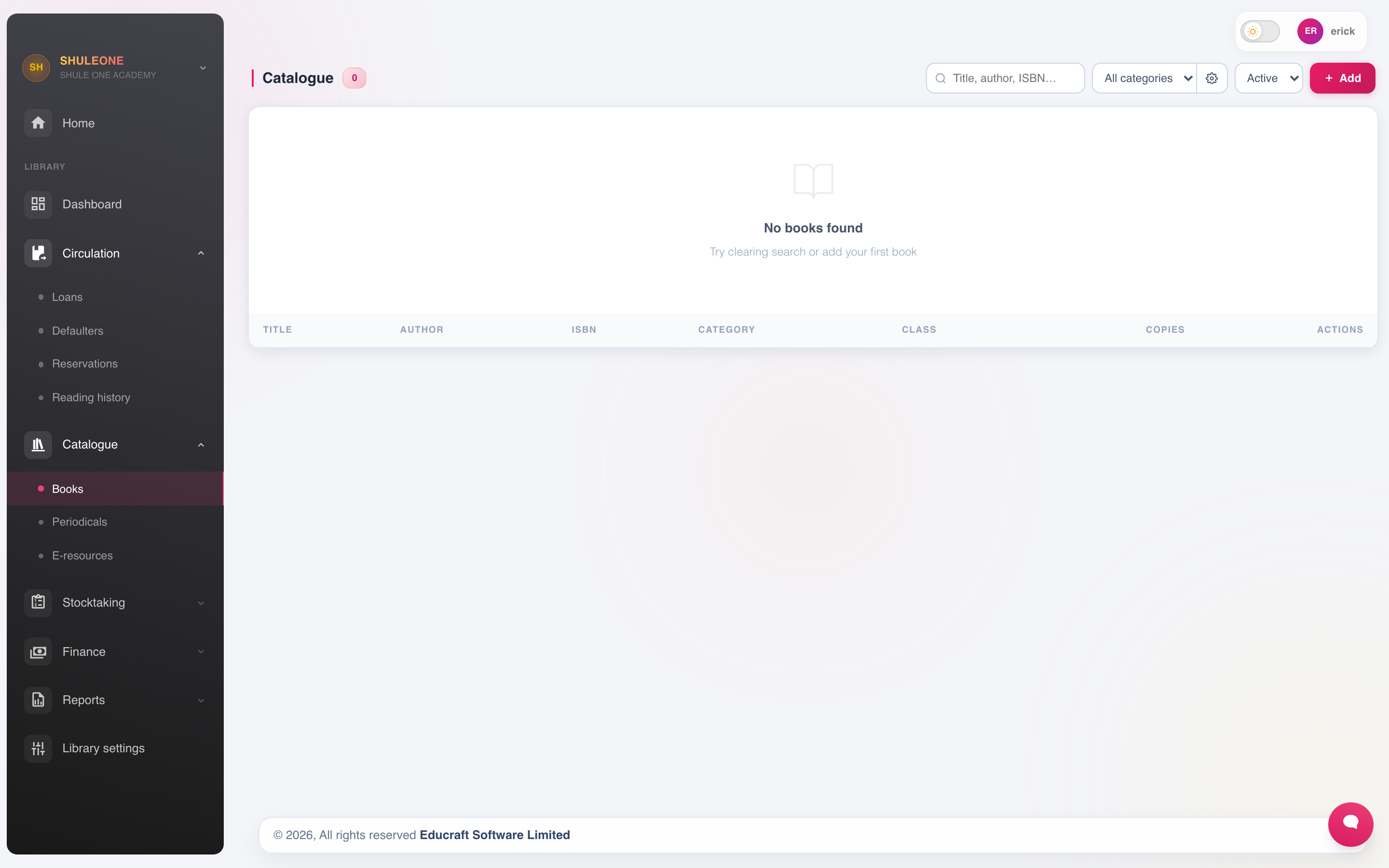
The catalogue can be searched and filtered before a new book is added.
Select Add New.
| Field | Notes |
|---|---|
| Accession number | The unique number for the copy. Every physical copy has its own. |
| Catalogue code | An optional code shared by the title. It is not the physical book number. |
| Title, author, publisher, edition, year | The bibliographic record. |
| ISBN | Where available. |
| Genre | See below. |
| Shelf location | Where it physically is. |
| Copies | Register each copy separately. |
| Condition | New, good, fair, withdrawn. |
The accession number identifies the copy, not the title. Five copies of the same textbook are five records with five numbers. This is what lets the library know which copy is out with whom, and which one came back damaged.
On the catalogue list, accession numbers appear under Book No.. Search accepts a book number, title, author, ISBN, publisher, subject or optional catalogue code.
Adding many books at once
Section titled “Adding many books at once”For a new collection, use the import. Download the template, one row per copy, upload, and correct the rejected rows. As with any import, test on a handful first.
If the catalogue does not load
Section titled “If the catalogue does not load”Use Retry on the error message. A genuine empty result says No books found; that message can also mean the current search or category filter has no matches, so clear the filters before adding duplicate records. If Catalogue could not be loaded remains after retrying, report the message and time to your administrator.
Genres
Section titled “Genres”Library → Genres holds the classification — Fiction, Reference, Sciences, Humanities, Set Books, Kiswahili, Periodicals.
Classify consistently. Genre is how borrowers browse and how the collection reports tell you where the collection is thin.
Periodicals
Section titled “Periodicals”Library → Periodicals handles newspapers, magazines and journals, which behave differently from books: they arrive on a schedule, are usually read in the library, and are discarded or bound after a period.
Record the title, frequency and subscription, and log each issue as it arrives. The gaps in the log are what you take to the supplier when a subscription is not being delivered.
E-resources
Section titled “E-resources”Library → E-resources catalogues digital material — e-books, subscription databases, past paper archives. Record the title, type, how it is accessed and any licence limit on concurrent users.
E-resources are lent differently or not at all, depending on the licence. Note the terms on the record so the next librarian knows them.
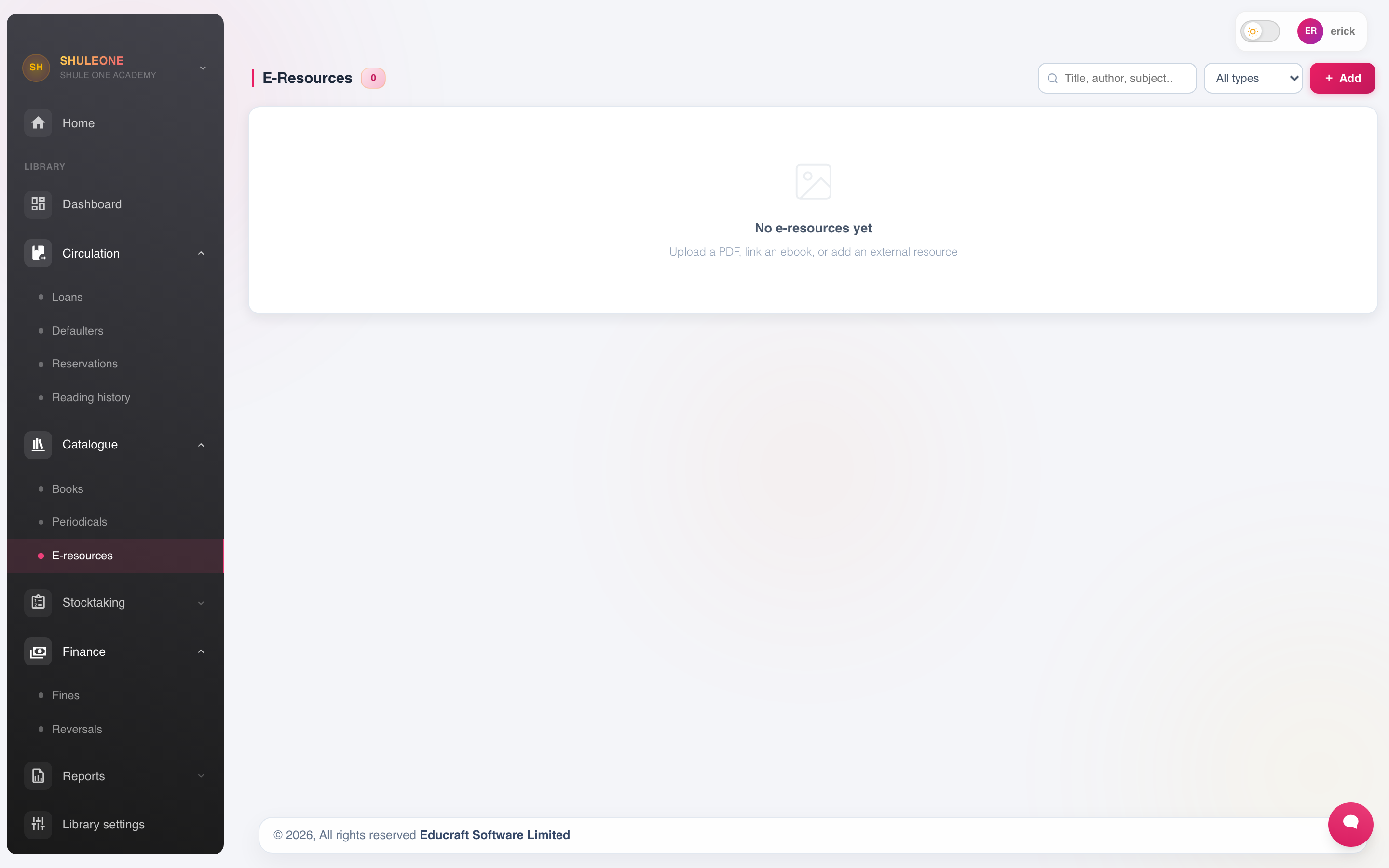
Digital resources are catalogued separately from physical books.
Inventory
Section titled “Inventory”Library → Inventory is the stock-take of the collection.
- Print the shelf list.
- Check the shelves against it.
- Record what is present, what is missing, and what is present but not catalogued.
- Account for the missing: on loan, being repaired, lost, or unexplained.
- Withdraw what is genuinely lost or beyond repair, with a reason.
Do this annually. A collection that has never been stock-taken has a catalogue that describes a library which no longer exists.