
Biometric devices
Schools that capture attendance at a gate or a staff-room door register their readers under Attendance → Devices. Once a device is registered and its users enrolled, it posts attendance into ShuleOne without anyone marking a register.
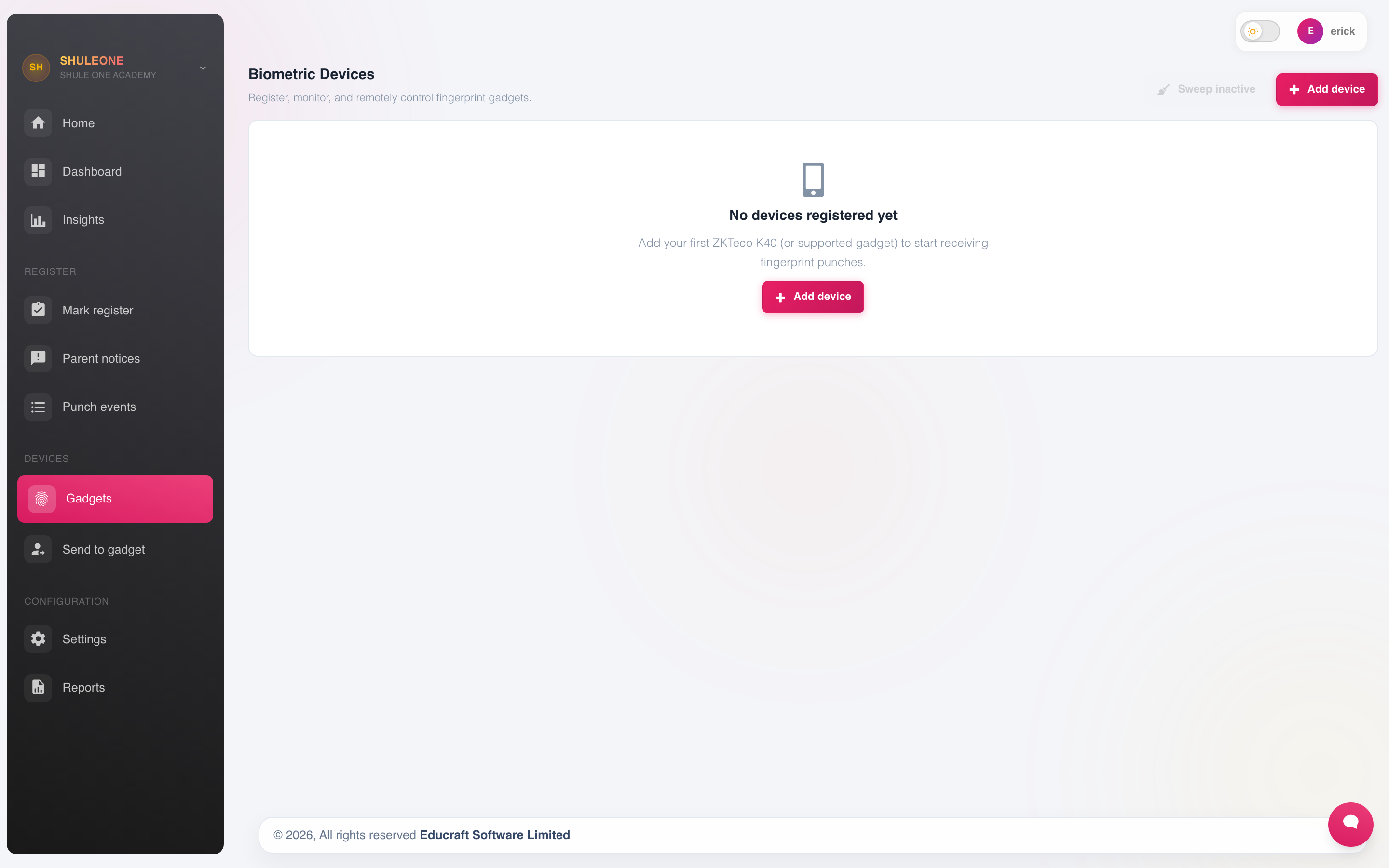
The device screen lists registered readers or starts device enrolment when none exist.
Registering a device
Section titled “Registering a device”Select Add New and record:
| Field | Notes |
|---|---|
| Device name | Where it is — “Main gate”, “Staff room”. |
| Serial number | From the device itself. This is what identifies it when it reports in. |
| Location | Used on reports to tell two readers apart. |
| Applies to | Students, staff, or both. |
| Session | Whether a scan marks arrival, departure, or both by time of day. |
The device needs a network connection to reach ShuleOne. If a reader stops reporting, check the network before assuming the device has failed — it is the cause far more often.
Enrolling users
Section titled “Enrolling users”A device recognises a person by a fingerprint or a card enrolled against their ShuleOne record. Enrolment happens at the device and matches on the staff number or admission number, so those must already exist and be correct.
To send existing people from ShuleOne, open Attendance → Devices, choose the people and destination reader, then select Send to gadget. A school opening this workflow for the first time receives the standard attendance settings automatically; no settings setup is required before the send.
Teacher and staff gadget management
Section titled “Teacher and staff gadget management”The One person and Multiple people pickers include every teacher and staff record belonging to your school, whether employment status is Active, Inactive or blank. This allows administrators to remove or repair old gadget accounts. Only an Active teacher or staff record can create new attendance from a scan. Activate a current employee before enrolling or resending them. The Missing fingerprints report still includes every record with no confirmed fingerprint template.
Use Remove inactive users to clean up students outside active classes, teachers explicitly marked Inactive in their teacher registration record, and staff explicitly marked Inactive in their staff registration record. Inactive, inactive, and other capitalisations are recognised; surrounding spaces are ignored. Blank or NULL status is not treated as inactive. This action does not consult HR employment records.
Use Remove users from gadget(s) for manual selection when you need to remove someone who is not marked inactive. Review existing queued removals separately; this release does not cancel commands queued previously. Gadget selection remains available regardless of status, but an inactive or blank record’s scan is held as unknown until the registration record is active.
Current-student selection still uses active classes. Existing biometric-ID requirements, school boundaries and duplicate gadget-ID checks continue to apply. No employment records are changed by using these gadget controls. Deploy the matching frontend and backend for this behaviour; no database migration is needed for the employment-status change.
Every physical reader has one combined user-ID list. The same admission or biometric ID cannot identify different active people, even when both people belong to the same campus. ShuleOne refuses the ambiguous scan instead of choosing whichever record was read first. For a shared reader, this rule also covers every campus using it. Give one person a different biometric ID, remove the stale user from the reader, select Users on gadget → Refresh, and send the correct record again.
A scan from someone who is not enrolled is recorded as unknown rather than being attached to a guess. Unknown scans are worth reviewing occasionally — they are usually an enrolment that did not complete.
ShuleOne also checks the current roster again when the scan arrives. A stale cloud index cannot make a former student, inactive employee or duplicate device ID look like the current user. The event audit retains the device’s raw verification code so support can distinguish firmware-reported fingerprint, card, PIN or face methods where the device documentation defines those codes.
If student biometric notifications are disabled during a roster investigation, refresh the gadget, resolve every duplicate ID and test with one current learner before turning the two parent-notification settings back on.
Direct ADMS readers now remember the last attendance-log checkpoint accepted by ShuleOne. After reconnecting, the reader resumes from that checkpoint instead of uploading its full history again. A legitimate same-day scan delayed by an outage can still notify under the school’s normal SMS window; the checkpoint prevents the same old backlog being requested again on every reconnect.
Recovering users and fingerprints
Section titled “Recovering users and fingerprints”Fingerprint-template caching is enabled by default for every school. When a compatible direct gadget or site agent sends template bytes, ShuleOne stores them in the school’s cloud cache. The database backup suite protects that cache with a 30-minute encrypted logical backup, daily physical backups and five-minute point-in-time logs. Schools whose policy requires gadget-only biometric storage can turn caching off under Attendance → Settings; templates received after that point are not retained and a failed gadget may require re-enrolment.
The user count on each device card comes from the latest live gadget read once one has completed. An authoritative result of 0 users remains 0; ShuleOne no longer replaces it with an older cloud enrolment count. Open Users on gadget → Refresh to verify the physical roster after a restore or an unexpected change.
If gadget accounts were removed but ShuleOne still has their verified enrolment commands, support can resend those accounts. Fingerprints are different: ShuleOne can restore only template bytes previously cached with biometric-template caching enabled, or templates read from another authorised source gadget. It never creates or guesses biometric data.
To restore cached fingerprints, open Copy templates, choose the source and destination, then select Recovery mode. Recovery mode can overwrite the destination’s missing or stale fingerprint slots even when its user account already exists. A row marked Template bytes not cached must be re-enrolled at a gadget.
Turning caching on protects templates received from that point forward; it cannot recreate templates that were never sent to ShuleOne. Run Users on gadget → Refresh on a compatible online gadget to backfill its existing templates. An offline gadget remains unprotected until it reconnects and completes that read.
Protecting and recovering gadget administrator access
Section titled “Protecting and recovering gadget administrator access”Open Attendance → Devices → Tools → Gadget administrator access. Only a full administrator of the school that owns the gadget can change its administrator access. A school sharing the reader cannot change the owner’s security settings. These controls require an enabled Direct ADMS gadget; local-agent readers still need support at the device. Allow existing gadget commands to finish, or cancel pending work, before starting.
Set a password, or replace a forgotten one
Section titled “Set a password, or replace a forgotten one”- Enter and confirm a new 6–8 digit password. Use Show password if needed.
- Save it in the school’s password manager and tick I have saved the new password securely.
- Select Set / reset gadget password. You do not need the previous gadget password.
- Wait for the gadget acknowledgement. If it is offline, restore its connection first.
- Note the School gadget administrator ID displayed on the page. At the gadget, use that ID and the new password to open the setup menu.
The account is named ShuleOne Admin. Resetting its password does not remove another administrator’s access. An acknowledgement means the gadget accepted the command; test the physical menu yourself before treating the setup as verified. ShuleOne does not offer password retrieval: it redacts the queued password after dispatch. Reset it again if lost.
Remove other administrator privileges
Section titled “Remove other administrator privileges”After testing the school administrator login:
- Select Read gadget administrators to get a fresh list from the gadget.
- Review the listed administrator IDs. The school administrator is marked kept; other supported administrators will become ordinary users.
- Tick the confirmation that you have opened this gadget’s menu with the school login.
- Select Remove other administrator privileges and wait for completion.
- Select Read gadget administrators again. Verify that only the intended school administrator remains, and check access at the gadget.
This action changes privileges only. It does not delete users, fingerprints, cards or attendance records. Each review can be used once and expires after ten minutes. Read again after a password change or a failed attempt. If only some changes succeed, read again to review the remaining administrators before retrying. Firmware that does not return usable privileges is blocked from this action and needs support review.
If remote recovery is unavailable
Section titled “If remote recovery is unavailable”Remote recovery needs the gadget to keep communicating with ShuleOne. A changed cloud server address, disconnected network, disabled gadget or changed communication key can prevent it. Ask support to restore connectivity or assist at the device. Do not use Full wipe to recover a password: it deletes enrolments and logs. Keep the school administrator credentials available to authorised backup staff in the password manager.
The device timeline also records new local gadget operations, including the operation, gadget administrator ID (when the firmware supplies it), affected user/object and device time. This makes future local deletions traceable. Operations that happened before this logging was deployed cannot be reconstructed from ShuleOne if the gadget already uploaded and discarded their detail; use the gadget’s USB operation-log export if an older incident must be attributed.
Live capture and manual marking together
Section titled “Live capture and manual marking together”Device capture and manual registers coexist:
- A student scanned at the gate is marked present automatically.
- A class teacher can still open the register and correct it — a learner who arrived before the reader was working, for example.
- Manual corrections win over the device, and are recorded as amendments.
This matters on the days a reader fails. Attendance does not stop; the class teacher marks the register by hand for that day.
What to check when a device seems wrong
Section titled “What to check when a device seems wrong”| Symptom | Where to look |
|---|---|
| Nobody appears from a device | Network, then the device serial number in ShuleOne. |
| Card count differs from a refresh | The card uses the most recent completed live read. Check its time, run Refresh, and review the device timeline. |
| Users disappeared locally | Do not enrol replacements immediately. Preserve the gadget, review its timeline, and ask support to restore verified cloud accounts. |
| One person never registers | Their enrolment, and whether their staff or admission number matches. |
| A reader refuses one person as ambiguous | Check active students, teachers and staff at this campus, then every campus sharing the reader, for the same admission or biometric ID. |
| Everyone shows as late | The clock on the device, and the late cut-off in attendance settings. |
| Duplicate scans | The device is set to mark both arrival and departure; check the session rule. |
| Scans arrive hours later | The device has been offline and is uploading a backlog. Let it finish once; the saved checkpoint prevents the same accepted batch being requested after the next reconnect. |
Transport devices
Section titled “Transport devices”Vehicle-mounted readers used to record who boarded a bus are managed separately under Transport → Devices, because they answer a different question — who is on the bus — rather than who is in school.