
Tracking your progress
Progress shows how far you have come.
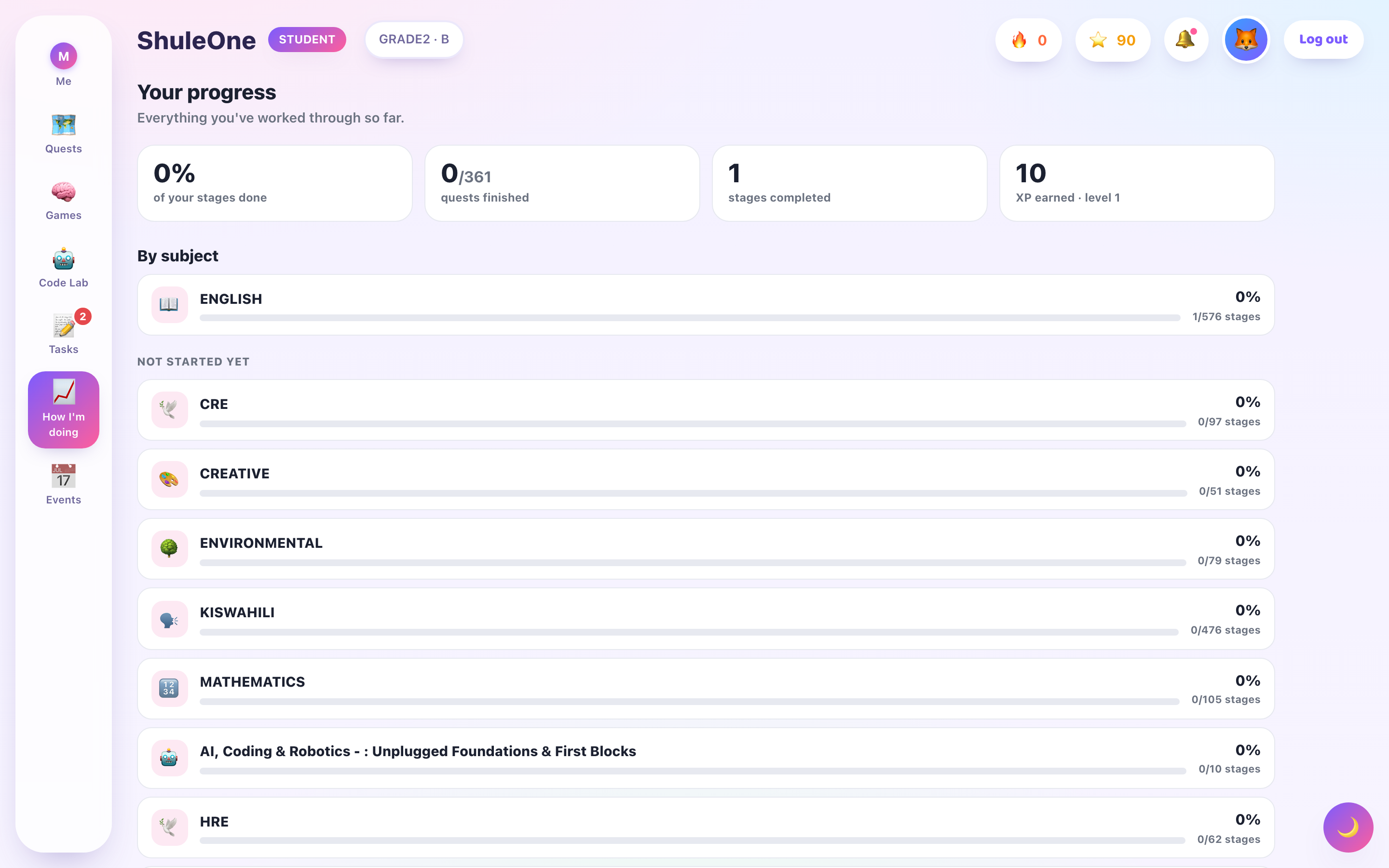
Progress combines overall totals with completion by subject.
What it shows
Section titled “What it shows”- Quests and stages completed, and what is left on each map.
- Lessons finished over time.
- How you did — scores on quizzes, activities and exams.
- Streaks — days in a row you have done something.
- Where you are struggling — the topics your wrong answers cluster in.
Reading it honestly
Section titled “Reading it honestly”The last one is the useful one, and it is the one people scroll past.
Completion is easy to feel good about and does not mean much on its own — a quest can be finished quickly and badly. What you got wrong, and whether you went back to it, is the part that predicts how an exam will go.
If the same topic keeps appearing in the difficult list, that is not a reason to feel bad about it. It is the portal telling you exactly what to spend Saturday morning on, which is more than most study advice manages.
Streaks
Section titled “Streaks”A streak counts consecutive days you have done something. They are a nudge towards the habit that actually works — a little every day rather than everything at once.
Do not chase a streak by opening a lesson and closing it. That protects a number and teaches you nothing. Breaking a streak costs nothing real; the habit is what matters, not the counter.
Who can see it
Section titled “Who can see it”Your progress is not private to you:
- Your teachers see your progress in their class, and your submitted work.
- Your parents see a summary in the parent view — what you have completed, how you are doing, and where you are stuck.
- Your school sees it in aggregate for reporting.
This is worth knowing rather than discovering. It also means that if the picture is wrong — a quest you finished that is not showing, work you submitted that is not recorded — telling your teacher is worth doing, because they are working from it.
Coding progress
Section titled “Coding progress”The coding pathway has its own progress view, showing how far along the pathway you are, which projects you have submitted and how they were marked, and any certificates earned.
When progress looks wrong
Section titled “When progress looks wrong”| What you see | What it usually is |
|---|---|
| A lesson you finished shows incomplete | An activity in it was not finished, or you lost connection on the last one. |
| A project you built is not recorded | It was saved but not submitted. |
| A quest disappeared | The term changed, or your class was moved. |
| Progress reset | You are signed in to a different account — check which. |
If something is genuinely missing, tell your teacher rather than redoing all of it.