
Audit trail
Go to Finance → Audit Trail.
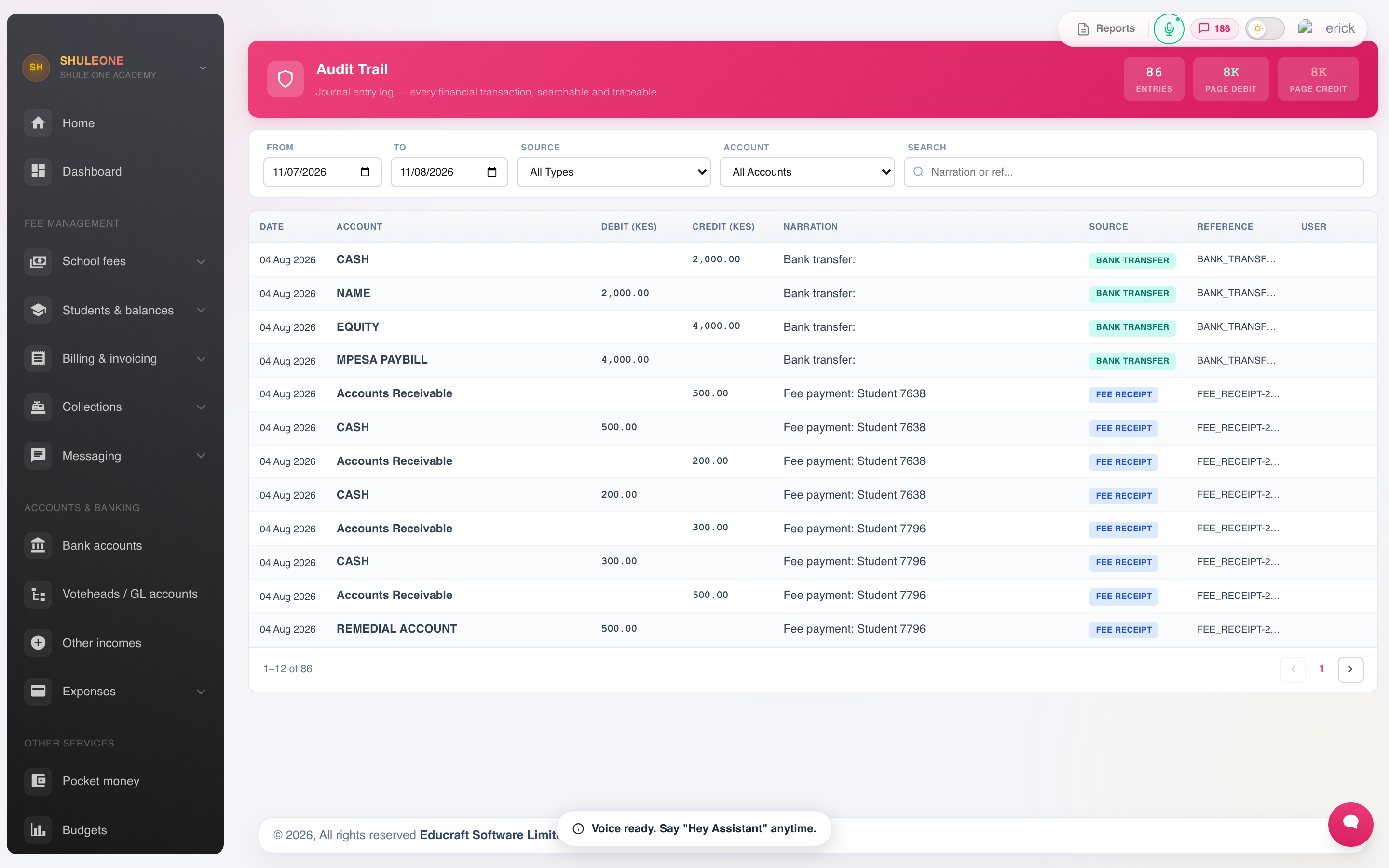
Filter recorded actions by module, user, event type, status and date.
Every financial action is recorded with the account that performed it, what changed, and when. The trail cannot be edited or cleared by anyone, including an administrator. That is the point of it.
What is recorded
Section titled “What is recorded”- Receipts issued, and receipts reversed.
- Invoices raised, including individual bills and waivers.
- Manual journals.
- Changes to fee structures and voteheads.
- Refunds and payment vouchers.
- Bank reconciliations completed.
- Changes to finance settings, including numbering.
Filtering
Section titled “Filtering”Filter by user, by date range, by transaction type, or by the record affected. To investigate a specific receipt, search its number — the trail shows everything that has happened to it, in order.
What to review, and how often
Section titled “What to review, and how often”Weekly, take five minutes over:
- Reversals. Every one should have a reason, and the reason should make sense. A pattern of reversals by one user, or reversals of the same student’s receipts, is worth a conversation.
- Manual journals. These bypass the fee and procurement controls. Confirm each one was expected.
Monthly, alongside the reconciliation:
- Changes to fee structures after billing.
- Individual bills and waivers, against the approvals the school actually granted.
- Out-of-hours activity. Finance entries at 2am are not automatically wrong, but they are worth understanding.
Using it well
Section titled “Using it well”The trail answers two different questions and it is worth being clear which you are asking.
“What happened to this receipt?” — search the receipt number and read the entries in order. This is the everyday use, and it usually resolves a query in a minute.
“Is anything wrong?” — this is the review above. It only works if it is routine. An audit trail nobody reads deters nobody; one that is visibly reviewed each week changes behaviour on its own.