
Messages and notices
How the school contacts you
Section titled “How the school contacts you”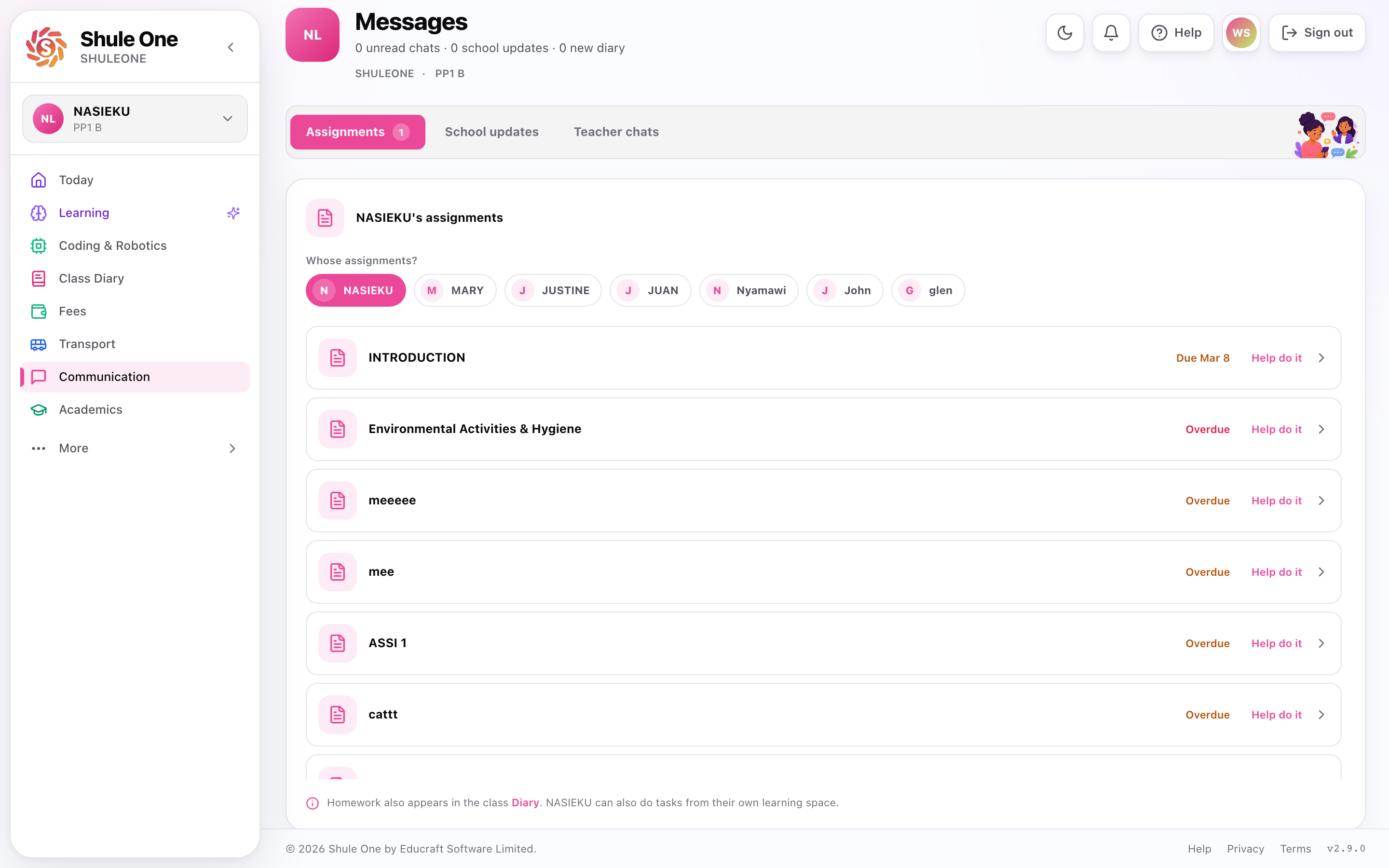
Announcements, school updates and teacher chats are grouped in one communication view.
SMS — short, immediate things: an absence, a fee balance, a closing date, an emergency.
WhatsApp — longer messages and attachments, where your school uses it. WhatsApp also works the other way: you can ask it questions and get an answer straight back.
Notices — published inside the parent view. Anything with a shelf life: meeting dates, uniform reminders, fixtures.
Newsletters — the longer termly letter, sent and published.
Direct messages — a conversation about your child specifically.
All of it goes to the contact details on your child’s record. If you are not receiving messages, that is where the problem is — ask the office to check the number and email they hold for you.
Reaching the school
Section titled “Reaching the school”WhatsApp answers factual questions immediately — balances, results, homework, the bus. Start there for anything with a definite answer.
Direct message in the parent view goes to the school and stays attached to your child’s record, so whoever picks it up can see the history. Use it for anything not urgent that needs a person.
Ring the office for anything urgent, and for anything you would rather discuss than write.
Ask for the class teacher for questions about learning, behaviour or a specific subject. The office handles fees, records and admin.
Writing a message that gets a useful answer
Section titled “Writing a message that gets a useful answer”Say which child and which class. A school has several children with the same first name.
Say what you want to happen. “I am concerned about Mathematics” is harder to act on than “could the Mathematics teacher call me this week”.
Give a fact where you have one — a date, an exam, a message you received.
Keep it to one topic. A message covering fees, a bus route and a Chemistry mark reaches three different people and usually gets one reply.
When you disagree with the school
Section titled “When you disagree with the school”It happens. What works:
- Start with the person closest to it — the class teacher for a marking question, the bursar for a fee question. Going to the head first usually routes back down anyway.
- Ask what happened before saying what should have happened. There is often a fact you do not have.
- Put it in writing if it matters. A direct message creates a record for both sides, which protects you as much as the school.
Notification settings
Section titled “Notification settings”Settings controls which notifications you receive and how.
Where weekly learning summaries use WhatsApp, your Academics WhatsApp preference controls whether they are sent. A summary combines your children’s learning progress; a reminder about an expiring trial is a separate message. If a non-urgent WhatsApp summary cannot be delivered, ShuleOne does not automatically send a duplicate by SMS. Schools configured to use SMS for weekly summaries continue to use that channel.
Do not turn everything off. Some messages — absence alerts, emergency notices — are worth being interrupted for even when the daily ones are not.
Messages that are not from the school
Section titled “Messages that are not from the school”Schools are a common target for payment fraud. A genuine ShuleOne message will never ask you for your password, and payment details will never change by SMS.
If you receive a message asking you to pay to a different number or account, do not act on it. Ring the school office on the number you already have.
Reply feedback and admin help
Section titled “Reply feedback and admin help”In the parents portal or mobile app, open Communication → Chats and select a class teacher, subject teacher or available school staff conversation. After you send a message and receive a school reply, choose 👍 Helpful or 👎 Not helpful under that reply. The controls do not appear on your own messages or on an unsolicited first message from the school. This is feedback on the reply, not a public rating of the staff member. Once selected, the two buttons are replaced by a confirmation.
After a thumbs down, you can save an optional reason such as “Unclear answer” or “Issue not resolved”, then choose Request admin help. The request button is not shown before you mark a reply as unhelpful. Once a case exists, its status remains available at the top of the conversation. Check the school admin team shown, add an optional explanation, then select Share conversation with admin. This shares the original conversation history with that school’s admin team. The parent and staff member can both follow the resolution. Repeated requests for the same school and conversation use one case.
Open the status button to read shared updates. Use Send shared reply to respond to everyone helping with the case; the normal chat composer still sends directly to the staff member. Status progresses from Admin help requested to In review and Resolved. Admins include a note when recording progress or resolution. If you still need help after resolution, choose Request help again.
If an update fails to save, the app shows an error. Retry once the connection returns. Your rating or request is confirmed only after the school accepts it.
What’s new — 8 September 2026
Section titled “What’s new — 8 September 2026”Reply feedback now appears only after the school replies to a parent’s message. Admin help becomes available after a parent marks that reply as unhelpful; existing support cases remain available from their status button. Staff can still request help.