
Diary and calendar
Diary is your child’s class book: the week’s learning plan, the class teacher’s note about your child, and the place you sign to say you have read it. Calendar shows what is happening at the school and when.
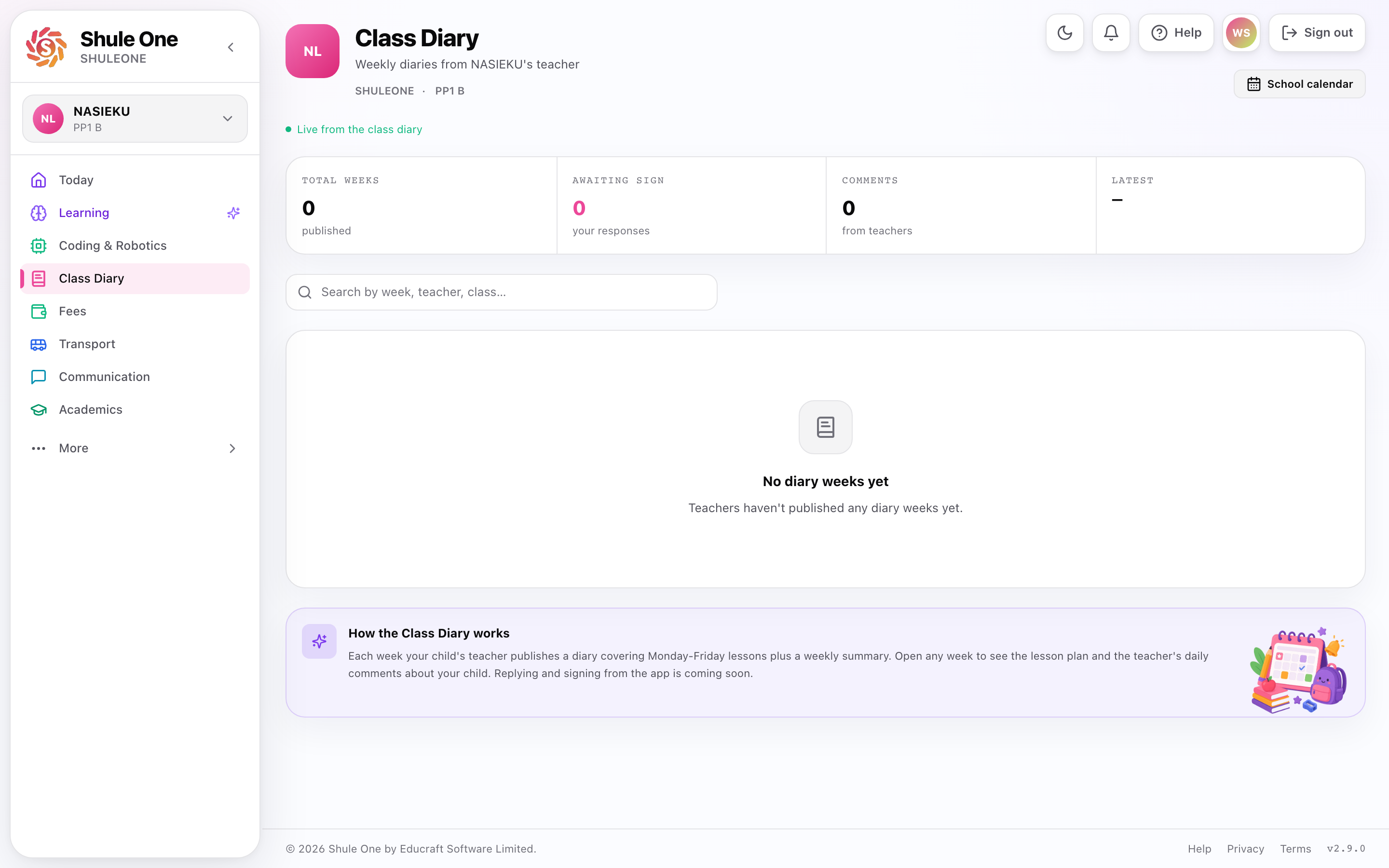
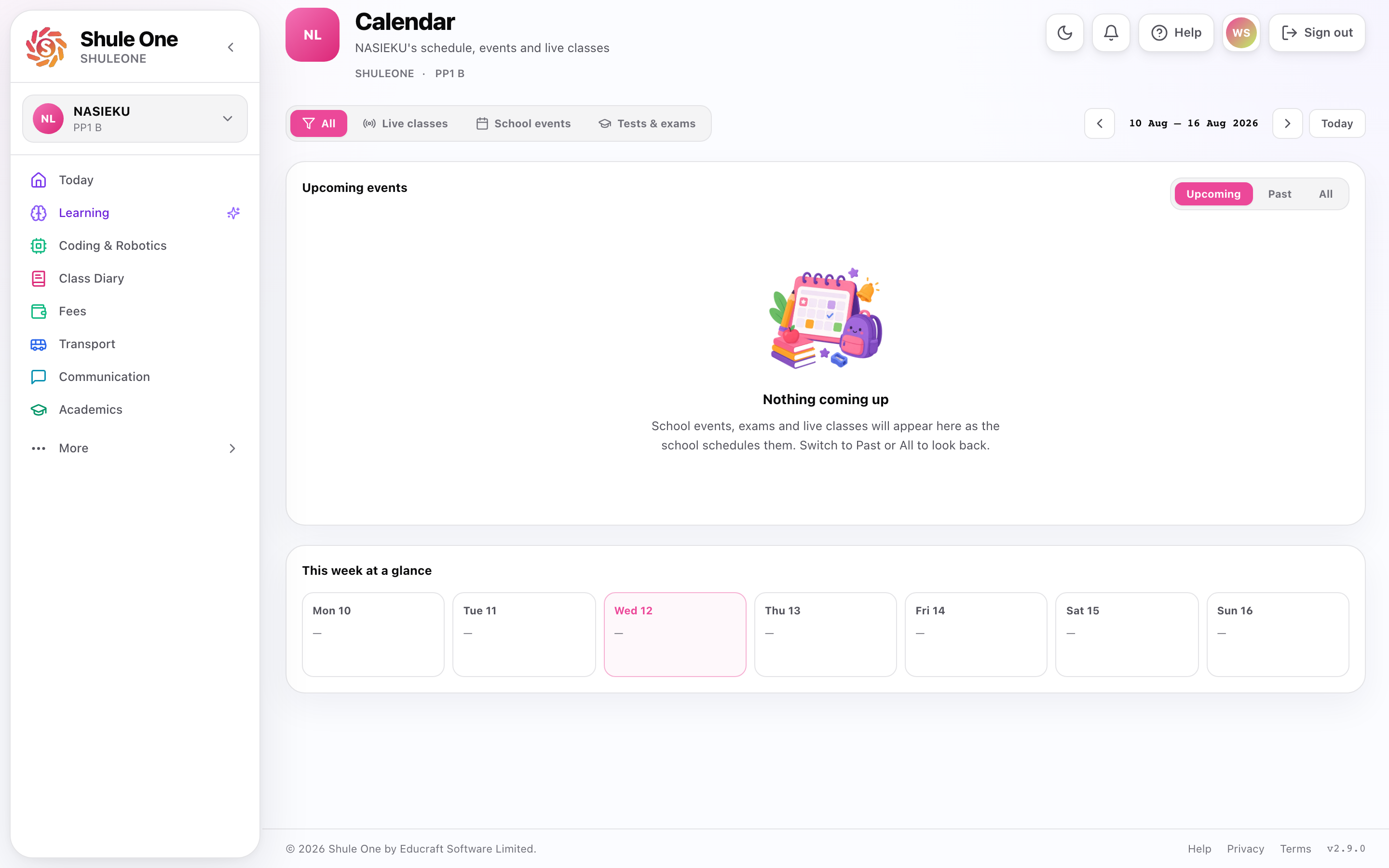
The calendar carries the dates you would otherwise have to ring the office for: opening and closing days, half term, exam weeks, parents’ meetings, sports days, trips, public holidays.
Signing a week
Section titled “Signing a week”A week appears once the class teacher publishes it. Read the teacher’s note, add a comment if you have one, and sign with your name. Your signature goes back to the teacher in the same week.
Signing is the only thing you can write. You cannot change the learning plan or the teacher’s note.
Where the school also keeps a weekly progress sheet, your signature from here prints on it.
Using it
Section titled “Using it”Check the diary weekly, not termly — a note about your child is only useful while the week is still fresh.
Check the calendar at the start of term, once, and put the dates you need into your own phone calendar. Closing day and the parents’ meeting are the two most people wish they had noted earlier.
Check it before making plans. Exam weeks and closing dates move more often than you would like.
Look for events that need something from you — permission, money, a packed lunch, attendance.
Live classes
Section titled “Live classes”Scheduled live classes appear here too, with a join button that becomes active shortly before the start.
For younger children this is worth knowing about: they may need help getting into the class the first few times, and they will need a device and a quiet corner.
If a date changes
Section titled “If a date changes”Schools do move dates. Changes are usually announced by SMS or notice as well as being updated here.
Where the two disagree, the diary is the live record — a notice sent three weeks ago may have been superseded. If it matters, ring and confirm.
If the diary is empty
Section titled “If the diary is empty”Some schools populate it fully and some barely use it. An empty diary means the school has not filled it in, not that nothing is happening.
If your school’s diary is empty and you would find it useful, say so — it costs the office very little to maintain and saves them the phone calls.