
Inventory reports
Valuation
Section titled “Valuation”Inventory → Reports → Inventory valuation shows stock on hand using the recorded weighted average unit cost, including items with zero recorded cost.
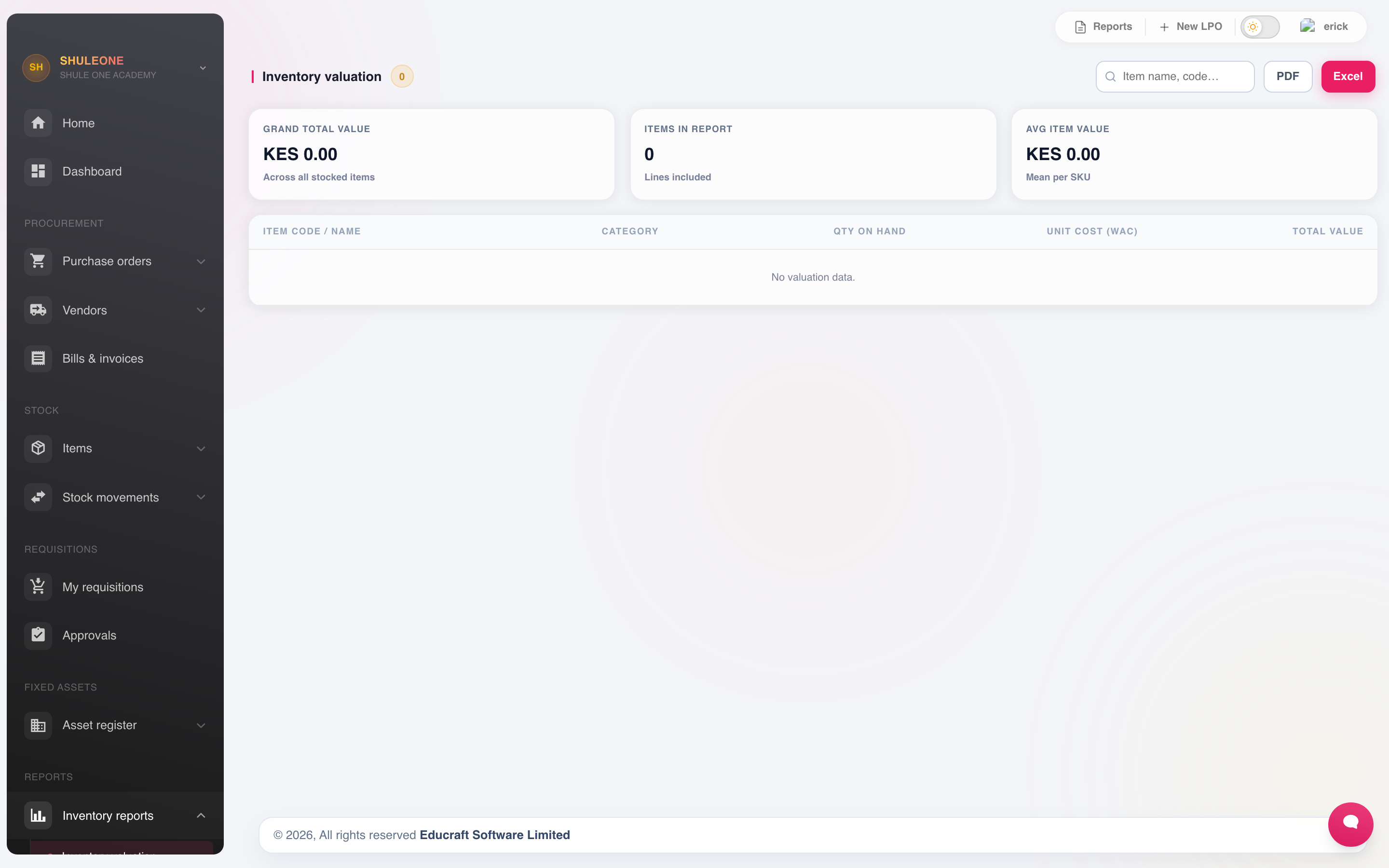
Run it at term end and at year end, immediately after a physical count, and have finance review it before using it for closing stock.
Student contributions and donations add quantity at no purchase cost. The report does not assign those goods an estimated donation value. For mixed purchased and contributed stock, the existing value is spread over the new quantity; a contribution alone does not increase that value. Finance should separately review any required donation valuation.
Contributed receipts (all time) shows the cumulative contributed quantity received for each stocked item. It is not the contributed quantity remaining after issues. The column and cost-basis explanation appear in PDF and Excel exports too. Follow View contribution and donation receipts for individual receipts and date filters. See Receiving contributions.
Low stock
Section titled “Low stock”Inventory → Low Stock Items lists everything at or below its reorder level.
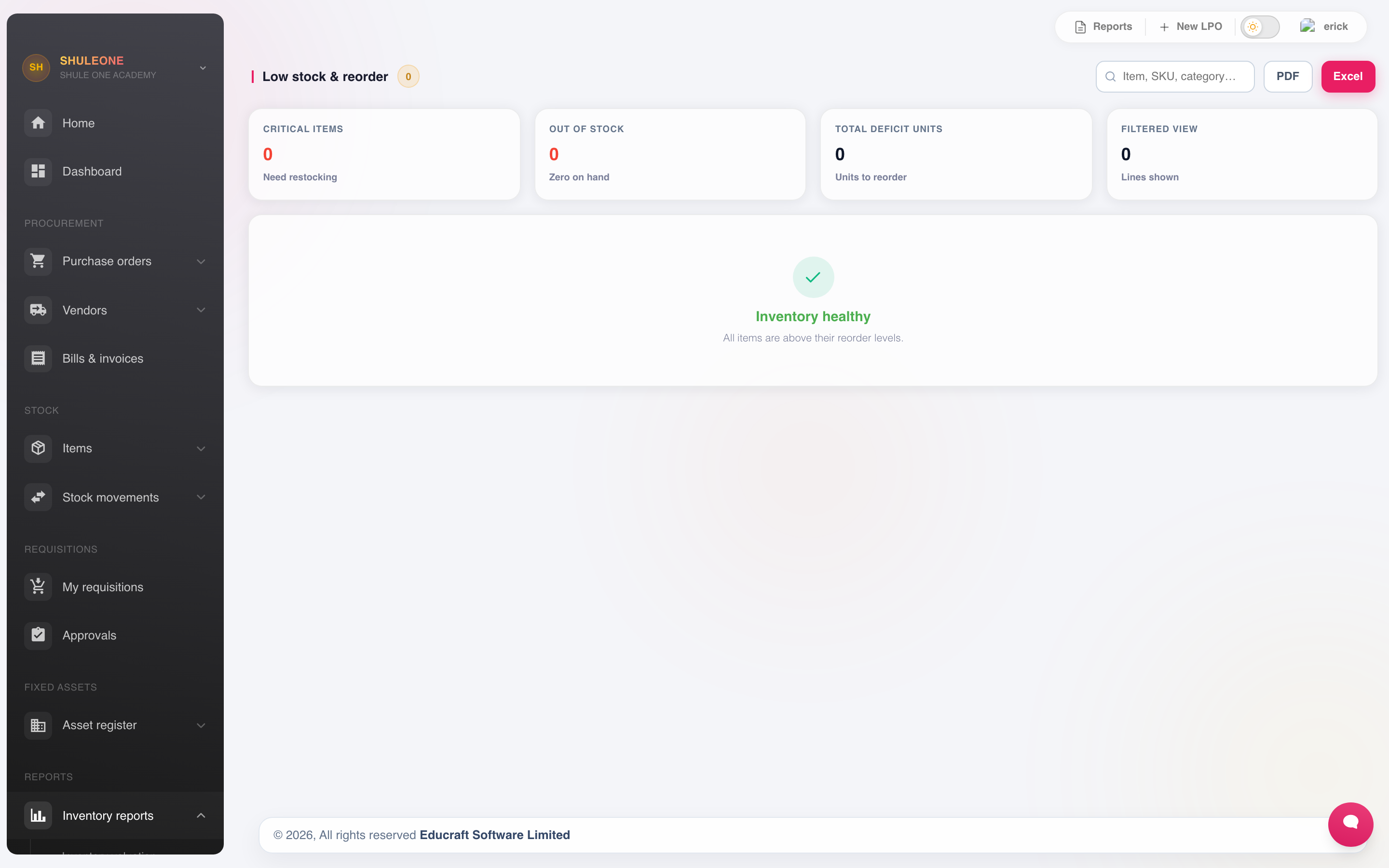
This is the reordering list. Work it weekly — the reorder level was set to give you time to order, and that time is only useful if someone looks.
If the list is permanently long, the reorder levels are wrong rather than the school being permanently short. Review them.
Overdue
Section titled “Overdue”Inventory → Overdue lists purchase orders past their delivery date.
Chase from this list. An order that is three weeks late and nobody has noticed is the normal way a term runs out of exercise books.
Department consumption
Section titled “Department consumption”Inventory → Department Consumption reports what each department has drawn from stores over a period.
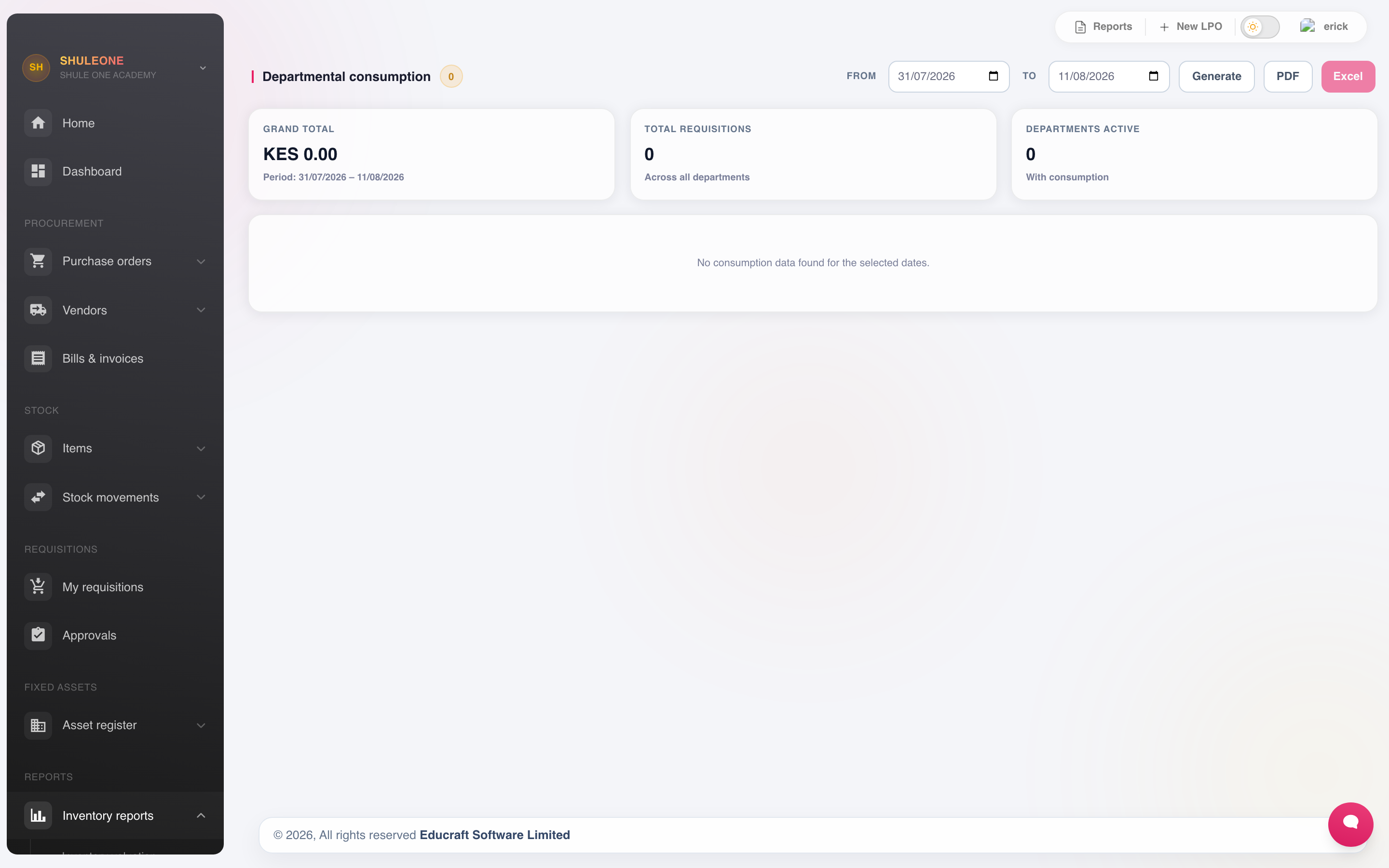
This is the report that makes stores management useful to the school rather than to the storekeeper. It shows:
- What each department costs to run in consumables.
- How that compares to the same period last year, and to other departments.
- Where consumption has jumped without an obvious reason.
Consumption is attributed by the issues recorded, so it is only as good as the discipline of issuing. A department that collects goods without an issue note appears to cost nothing.
Student-sales profit
Section titled “Student-sales profit”Inventory → Student Sales includes a live sales report for the chosen period. It shows sales revenue, cost of goods sold, gross profit and gross margin, together with the highest-selling items. See Selling inventory to students for how costs and voided receipts are treated.
Canteen sales and PDQ reconciliation
Section titled “Canteen sales and PDQ reconciliation”Inventory → Canteen → Reports shows canteen revenue, cost, gross profit, payment mix and customer mix for the selected period. Its sales register records the cashier, outlet, recipient and payment references. The PDQ terminals section totals card receipts per registered terminal and highlights assisted entries awaiting reconciliation against the acquirer’s settlement report. See Canteen.
Inventory → Canteen → Stock reports each outlet’s quantity, value, reorder level, low or out-of-stock items and its movement register. The register separates transfers, sales, void returns and physical-count adjustments. Export the current outlet view to PDF or Excel for a stock count or management review.
Exporting reports
Section titled “Exporting reports”Use PDF for a print-ready report and Excel when you need to filter or reconcile the figures. Wide inventory reports automatically use landscape orientation and tuned column widths so descriptions and amounts remain readable.
The supplier balances export includes supplier name, KRA PIN, category, contact person, phone, email, payment terms, balance due and credit available. Review the filter and as-at date before exporting; both are carried into the report.
Reading these together
Section titled “Reading these together”The four reports answer different questions, and the useful work is in the contradictions between them:
- Valuation says what is held; the count says whether that is true.
- Low stock says what to buy; consumption says whether the school actually uses it.
- Overdue says what has not arrived; low stock says whether that matters yet.
An item consistently on the low stock list with no consumption behind it is being over-stocked. An item with high consumption and no reorder level set is one that will run out unannounced.