
Loans and reservations
What’s new — 9 September 2026
Section titled “What’s new — 9 September 2026”The issue-book search now keeps recipient names available even if loan or fine summary information cannot be loaded. Recipient and book searches show a clear loading, no-match or error message, and book results include Book No. so similar titles can be told apart. Unavailable titles are labelled and cannot be selected for a new loan.
Issuing a book
Section titled “Issuing a book”Go to Library → Loans.
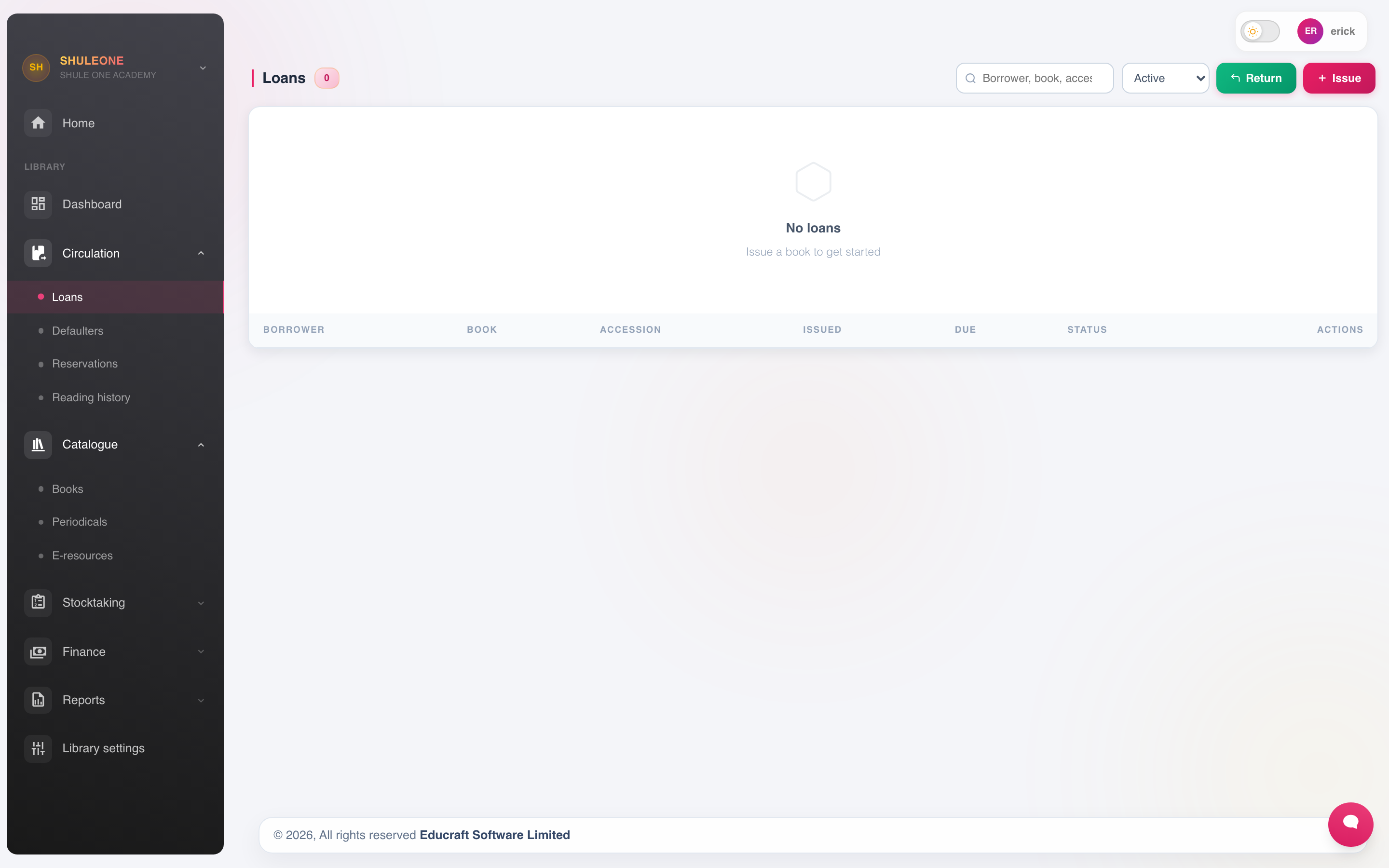
- Find the borrower by name or admission number. Student, teacher and staff names are searchable in the same picker. Learners and employees already marked as having left are excluded so a new loan cannot be issued to a closed record.
- Find the copy by accession number, title, author or book number. Title-search results show Book No. and the number of available copies. A title with no available copy is shown for clarity but cannot be selected. Author searches can return a long list; scroll through the matches or add part of the title to narrow them. If there are more results than the picker can show, it says how many matches were omitted.
- Confirm the due date. It is calculated from the loan period in settings and can be overridden with a reason.
- Issue.
ShuleOne blocks the issue when the borrower is at their limit, has an overdue item, or has an unpaid fine — depending on how settings are configured. These are meant to be blocks rather than warnings; overriding them routinely makes them pointless.
Returning
Section titled “Returning”Find the loan by borrower or accession number and return it. If the item is overdue, the fine is calculated automatically.
Check the item’s condition as it comes back. Record damage on the copy’s record then, while you know who had it. Damage found on the shelf three months later cannot be attributed to anyone.
Renewals
Section titled “Renewals”A borrower who wants to keep an item longer renews it, which issues a new due date. A renewal is refused when someone else has reserved the item — otherwise a popular set book never reaches the second reader.
Reservations
Section titled “Reservations”Library → Reservations places a hold on an item that is currently out. When it is returned, the reservation shows on the dashboard and the item is held for the person who reserved it.
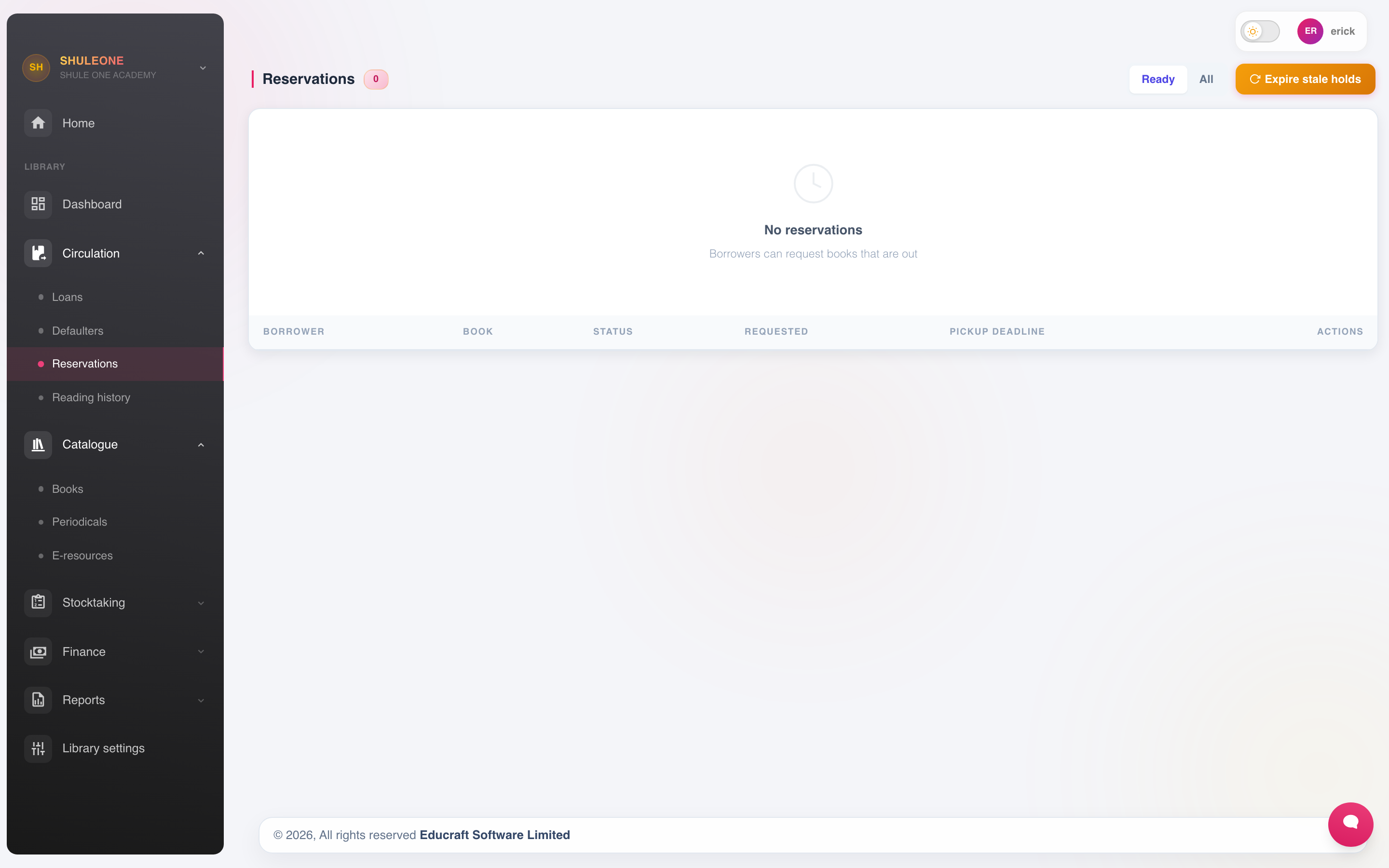
Reservations expire if not collected. Set a sensible window — a couple of days — so a held book does not sit behind the desk for a fortnight.
Reading history
Section titled “Reading history”Library → Reading History shows what a borrower has read. It is useful for two very different things:
- Helping a student find their next book.
- Establishing which copy a particular borrower had, when a book comes back damaged or does not come back at all.
Reversals
Section titled “Reversals”Library → Reversals corrects a mistaken transaction — a book issued to the wrong borrower, or returned in error.
As in finance, the original transaction is not deleted. The reversal is recorded alongside it. Record the reason.
Clearance
Section titled “Clearance”Before a student leaves or transfers, and before a member of staff is exited, check the library:
- Run their loans and confirm everything is returned.
- Settle or waive outstanding fines, with an approval for a waiver.
- Only then close the record.
Once a record is closed, the loans attached to it are much harder to pursue. A five minute check at clearance recovers more books than any amount of chasing afterwards.