
Classes and streams
A class (or grade, or form) is a year group. A stream is a division inside it — Grade 5 East, Grade 5 West. Students are placed in a class and, if the school streams, in a stream within it.
Get this right early. Classes are referenced by fee structures, registers, exams, timetables and report cards, and reorganising them mid-term means revisiting all of those.
What’s new — 20 September 2026
Section titled “What’s new — 20 September 2026”Every active class now needs a valid Next class before year-end promotion can run. The final class must point to Alumni. The Registration class list shows these destinations so administrators can verify the complete progression before promoting.
What’s new — 4 September 2026
Section titled “What’s new — 4 September 2026”Deleting a class now also removes its Required Subjects entries automatically, including rules that reference subjects that have already been deleted.
Classes
Section titled “Classes”Go to Settings → Classes.
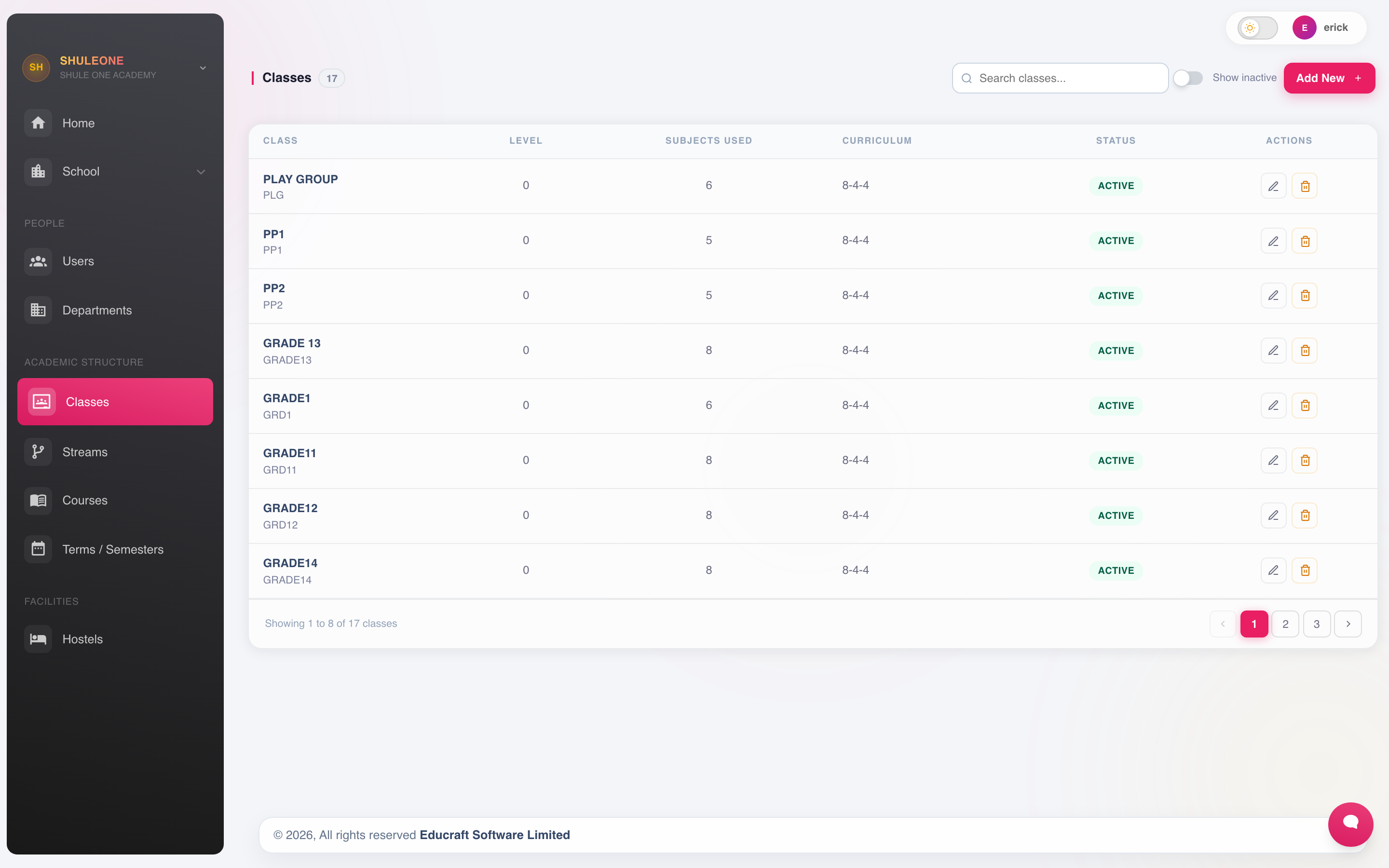
Classes with their level, subject count, curriculum and status.
Select Add New and set the class name and the order it should sort in. The order controls how classes appear on lists and reports, so number them from the lowest year upwards — otherwise Grade 10 sorts before Grade 2.
Set the promotion path
Section titled “Set the promotion path”Open each active class and set Next class (on promotion) to the class students should enter next year. For example, Grade 4 points to Grade 5. A destination must belong to the same school, cannot be the same class or Transfered, and normally needs to be active.
For the highest class, turn on Final class. ShuleOne selects Alumni as its next class; confirm that destination before saving. Repeat this check for every active class, including a class that currently has no students.
Review the finished chain in Registration → Classes. The Next class column shows the saved destination and Not set identifies unfinished setup. Year-end promotion is all-or-nothing: if any active class has an invalid destination, no student is moved and the warning names the classes to fix.
Delete a class
Section titled “Delete a class”Delete the class from Settings → Classes. Its required-subject rules are removed in the same operation; you do not need to remove those rules separately. Subjects themselves and rules belonging to other classes are not deleted.
Other dependencies may still prevent deletion. If deletion fails, the class and its required-subject rules are both kept. Deleting a class does not automatically delete students or exam records.
Grades
Section titled “Grades”Where the school separates a grade (the curriculum level) from a class (the group of students), Academics → Grades holds the grade list.
Streams
Section titled “Streams”Go to Settings → Streams.
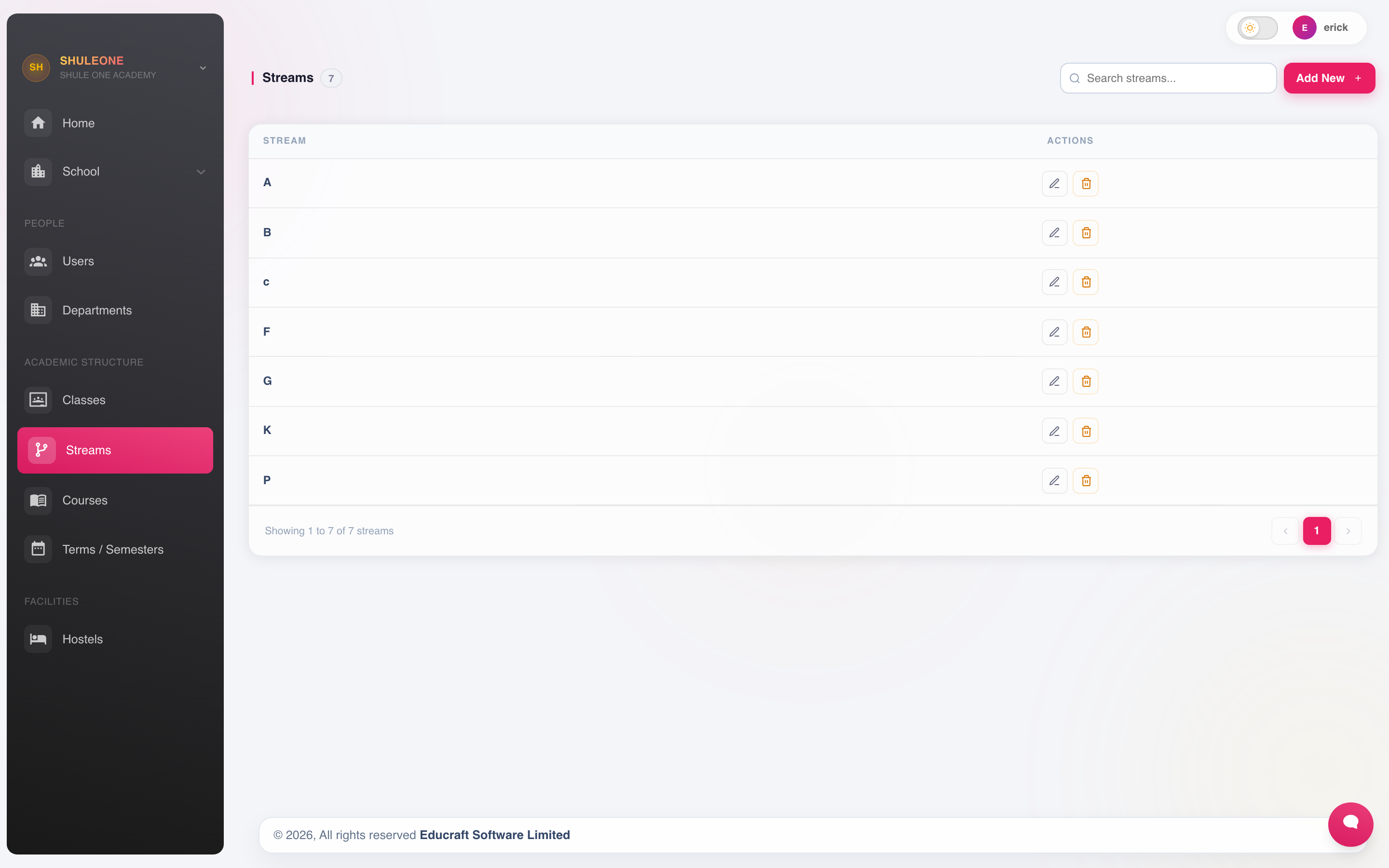
Streams and the classes they belong to.
Select Add New, choose the class, and name the stream.
Streams can be edited or removed while no students are placed in them.
Class teachers
Section titled “Class teachers”Go to Registration → Class Teachers to assign a teacher to each class or stream.
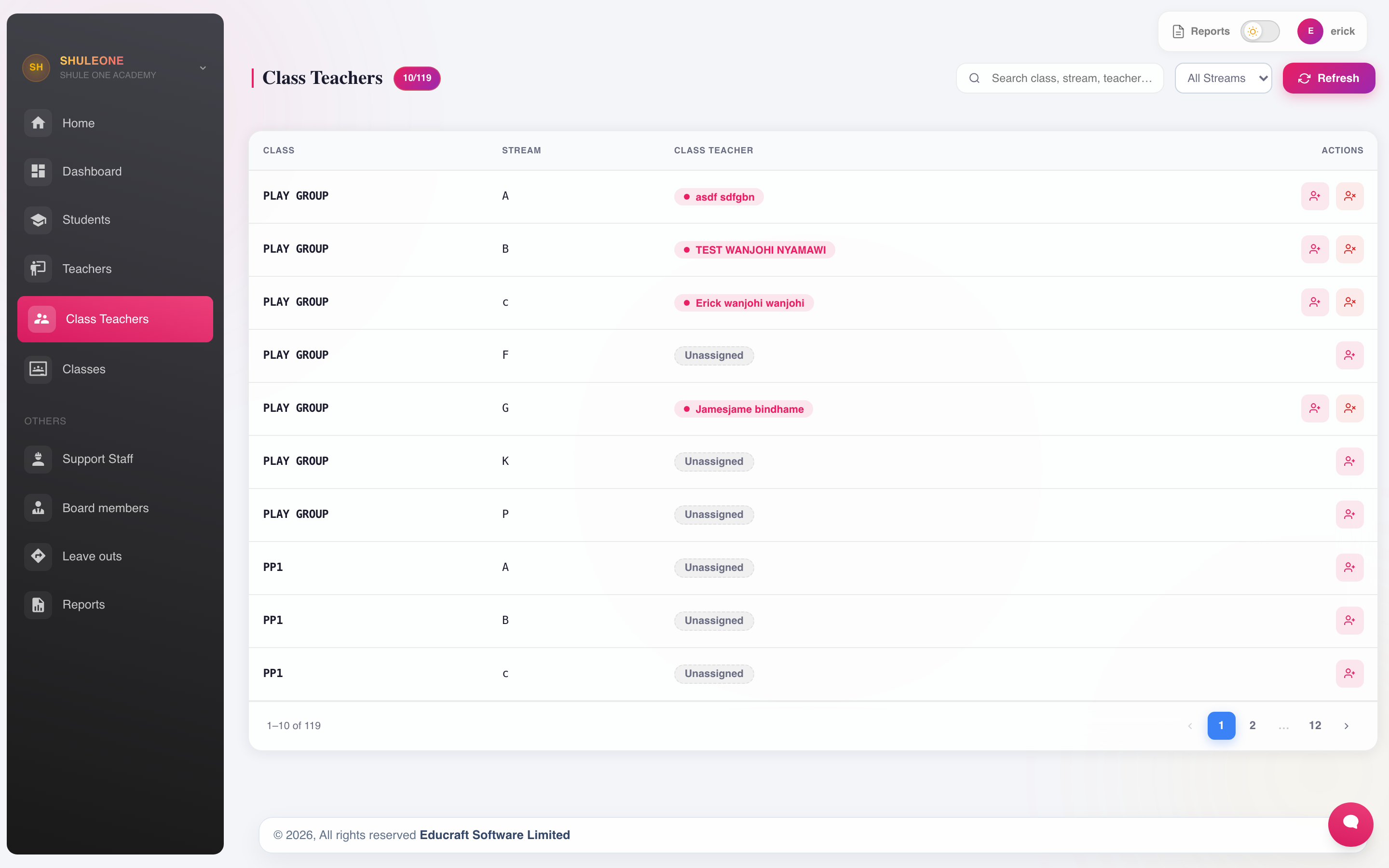
The class-teacher assignment list.
The class teacher is not just a label. It decides who:
- Sees that class on My Classes and can mark its register.
- Writes the class teacher’s comment on its report cards.
- Receives absence notices for its students.
One teacher can hold more than one class. A class with no class teacher will have gaps on its report cards, so check the list at the start of each term.
Courses
Section titled “Courses”Institutions that run courses rather than year groups — colleges, and schools with a vocational arm — use Settings → Courses.
Promoting students at year end
Section titled “Promoting students at year end”Classes are not renamed at the end of the year. The classes stay as they are and the students move up through them — see promotions.