
Live classes and video lessons
Live classes
Section titled “Live classes”Go to E-learning → Live Classes.
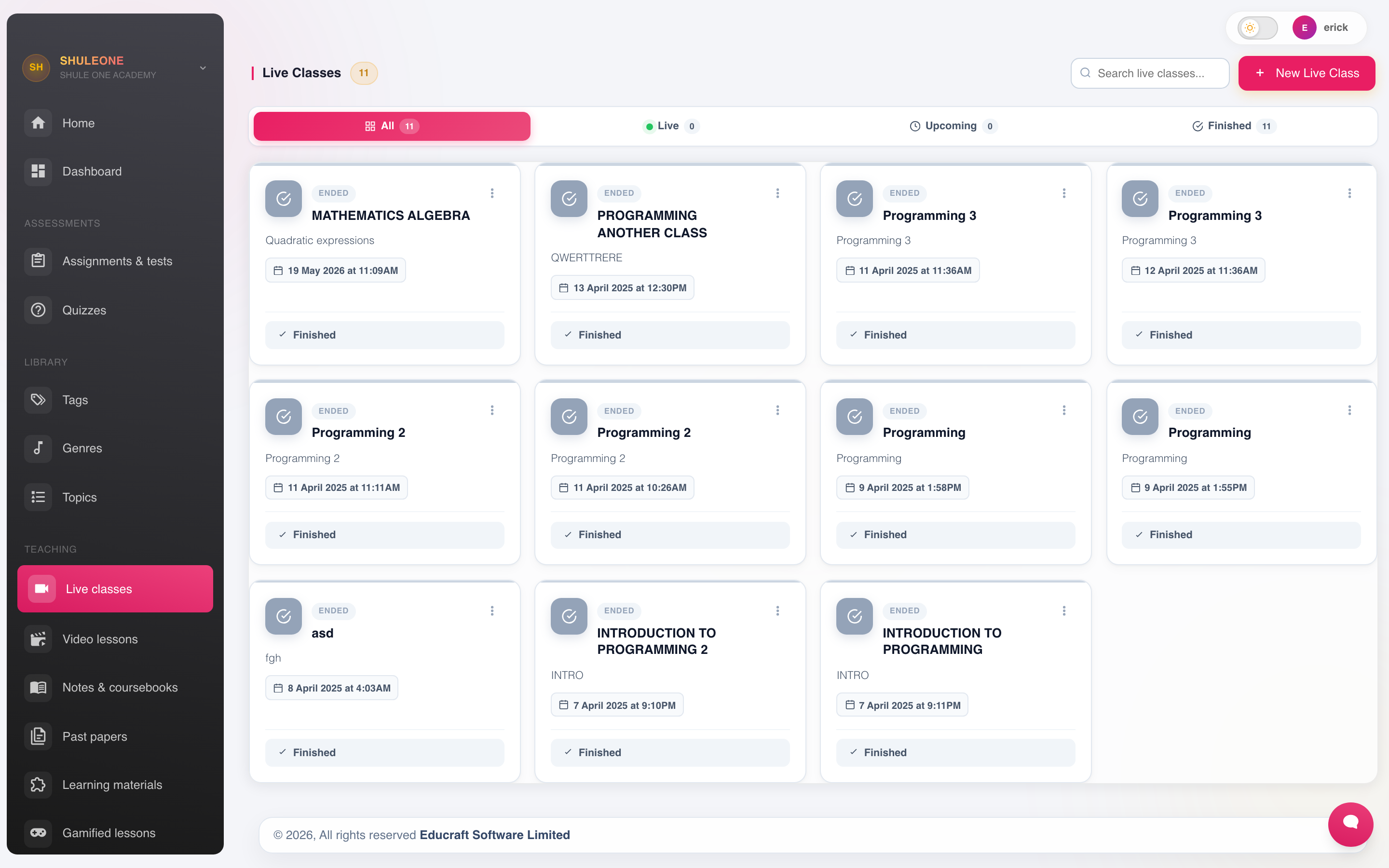
Live classes grouped by their current status.
Select Create to schedule one.
Set the subject, class, date and time, duration and a title. The class appears on the students’ dashboards and in the parent app, and a Join button becomes active shortly before the start time.
The meeting service is part of ShuleOne rather than a separate site you visit. Always join by selecting the class — the link carries the room and your identity with it, so nobody has to be given a code and no stranger can wander in.
Running one well
Section titled “Running one well”Start the room a few minutes early. Students who cannot get in need somewhere to be while you sort it out.
Take a register. Attendance in a live class is not captured automatically; note who attended if it matters.
Ask students to mute. One unmuted microphone in a room with forty people makes the lesson unusable.
Record it if you can. The students who most need the lesson are the ones most likely to have missed it, usually because of the connection.
Have a fallback. Post the notes and the task before the lesson, so a student who cannot join has the material anyway. Connectivity fails often enough that this should be routine rather than exceptional.
Video lessons
Section titled “Video lessons”E-learning → Video Lessons publishes recorded lessons.
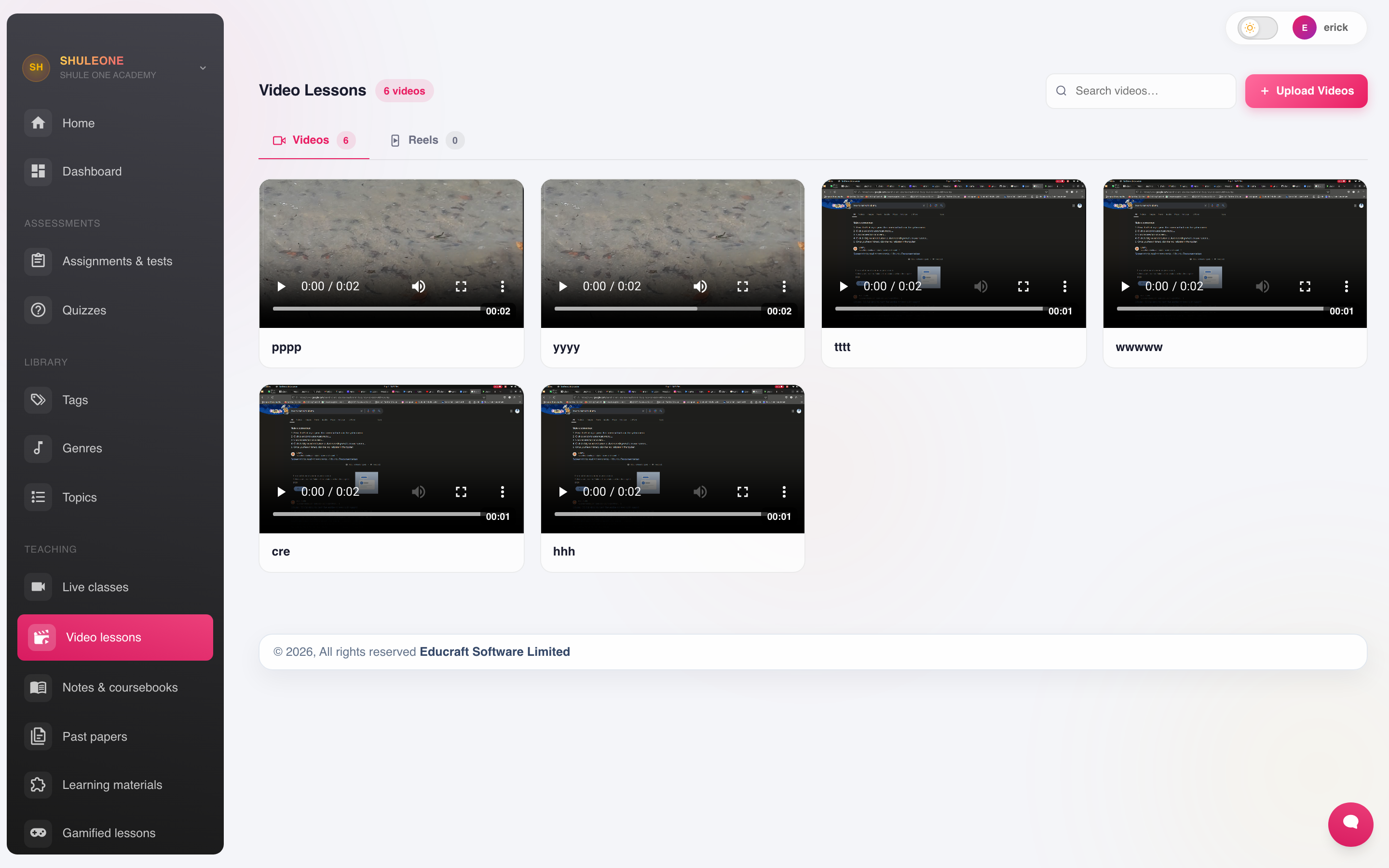
The video lesson catalogue with class and topic filters.
Upload the file, give it a title, and attach it to a subject, class and topic. Students watch it from their dashboard.
Keep them short. Fifteen minutes on one idea is watched; a fifty-minute recording of a whole lesson is not.
Mind the file size. Students on mobile data pay for what they download. A smaller file that is actually watched beats a high-definition one that is not.
Tag by topic, not by date, so a student revising can find it.
Which to use
Section titled “Which to use”| Situation | Use |
|---|---|
| Teaching something new that needs discussion | Live class |
| Explaining a method students will replay | Video lesson |
| A class that cannot attend at the same time | Video lesson |
| Revision before an exam | Video lessons plus a self-test |
| A one-off talk from a visitor | Live class, recorded |
The most common mistake is timetabling live classes as though everyone has a reliable connection at 8am. A recorded lesson plus a scheduled question-and-answer session usually reaches more students than a live lecture.