
Learning and progress
Learning and Progress show what your child is doing in the student portal — the quests they are working through, what they have completed, how they are doing, and where they are stuck.
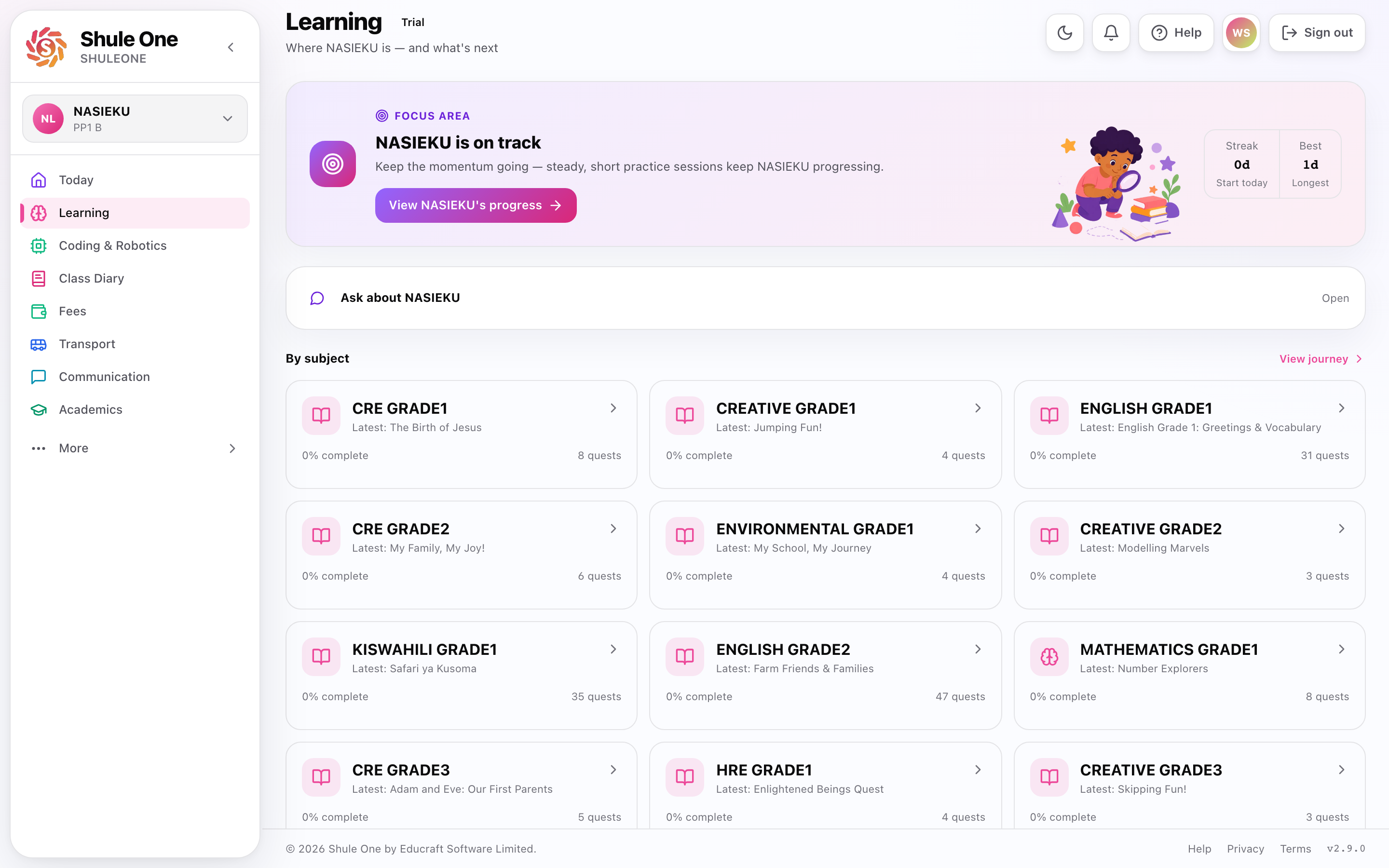
Learning lists the child’s active subjects and recent pathway activity.
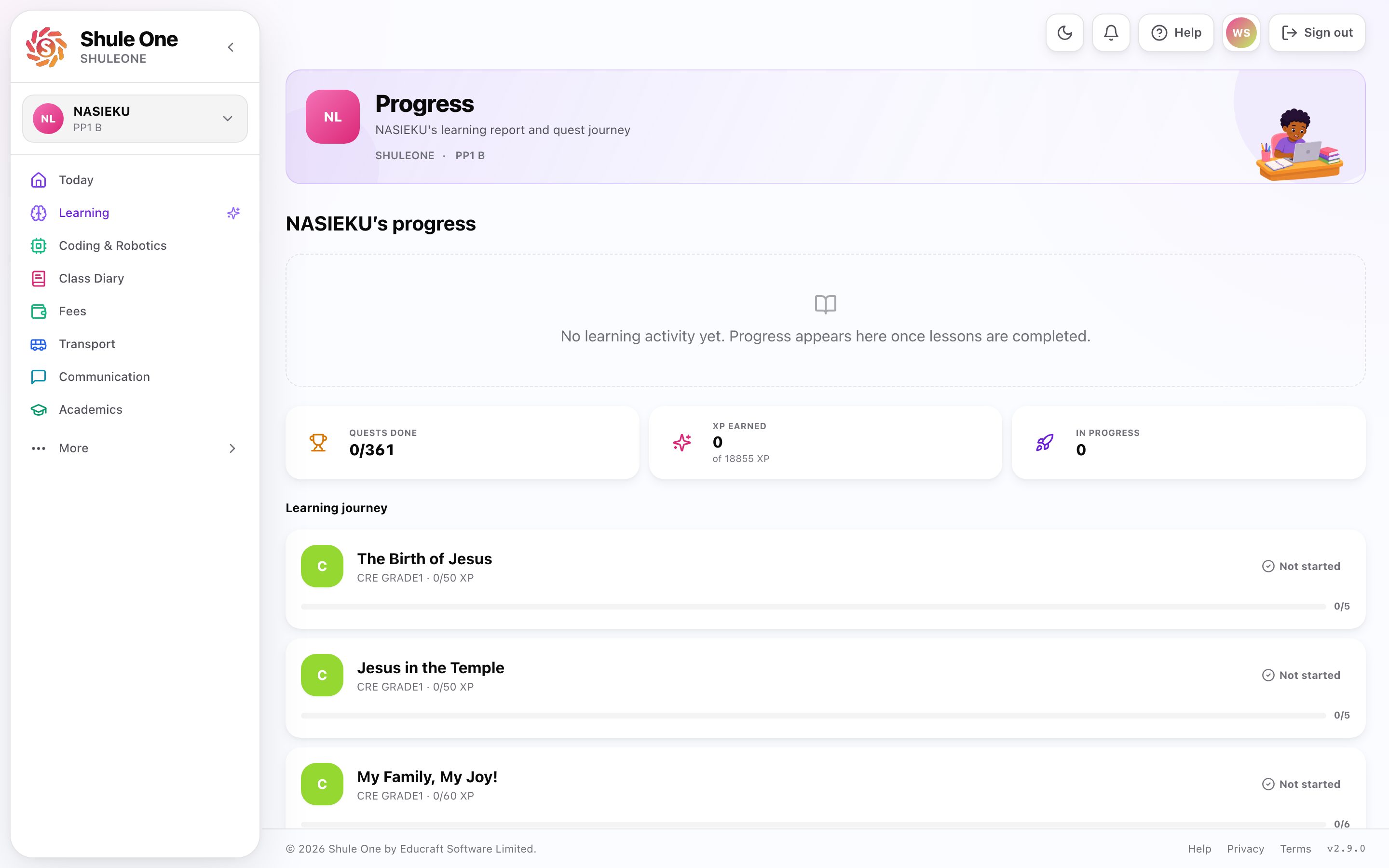
Progress summarises completed work, current skills and recent activity.
What you can see
Section titled “What you can see”- Quests and lessons completed, and what is next.
- Scores on activities, quizzes and practice.
- Where they are struggling — the topics their wrong answers cluster in.
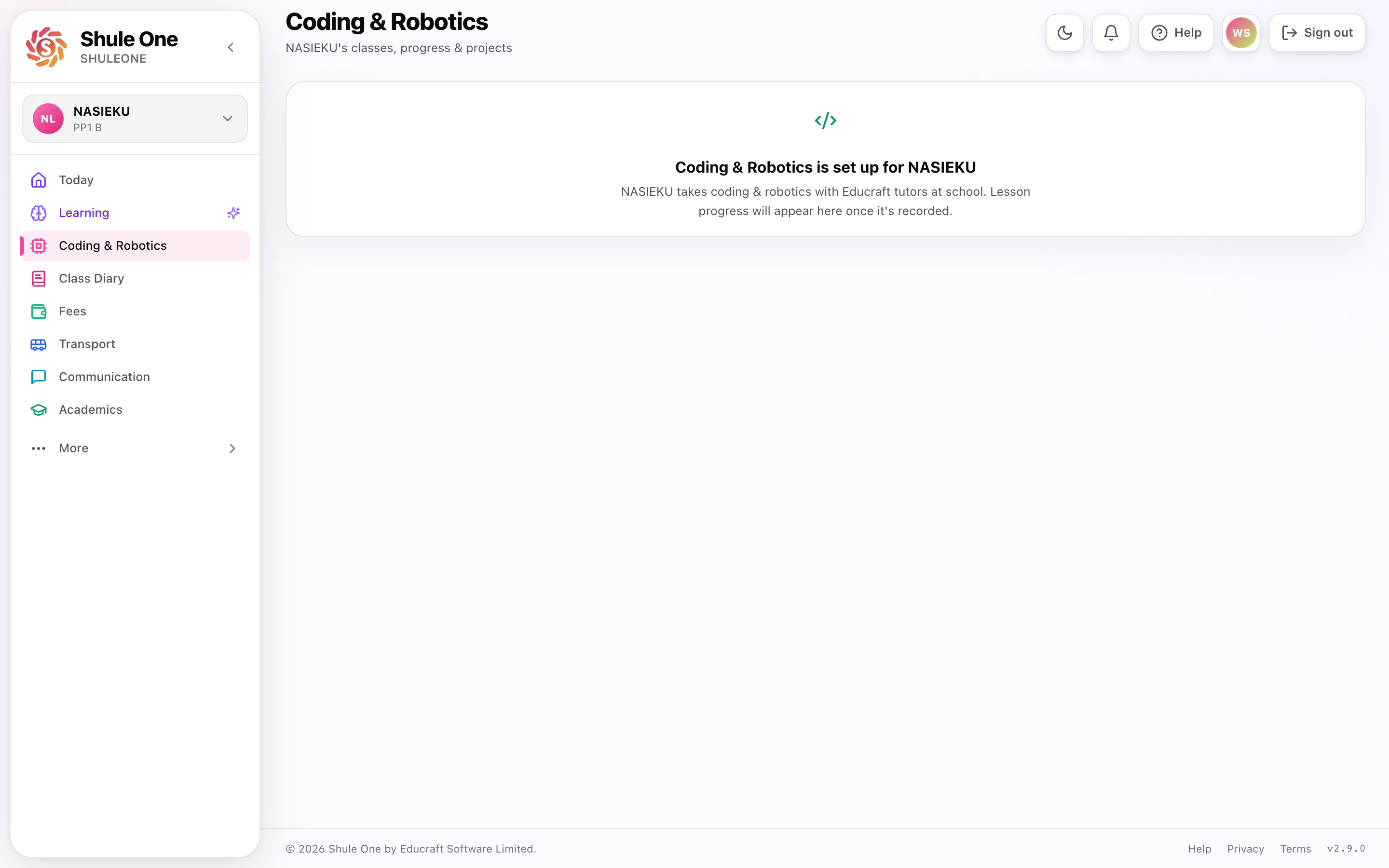
- Coding pathway progress, projects submitted, certificates earned.
- Activity over time — whether they are working steadily or in bursts.
Monthly summaries and report reminders
Section titled “Monthly summaries and report reminders”The upcoming reporting update separates lesson scores, tutor assessments and game ratings. These are different measures: a game rating is not an exam percentage. An unavailable source is labelled unavailable, not counted as zero. Independent learning families see their own children’s progress without needing a linked school.
In Progress, turn on the Family report inbox to save previous-month reports in the app. Email/SMS reminders are a separate preference: choose weekly or monthly and your account’s email or phone. Independent-family accounts must verify the account holder before changing it. Messages contain a sign-in link, not children’s results or a PDF attachment. If sending is not enabled, the page says so; saving a preference does not send a message. This feature is awaiting deployment and delivery-provider sign-off.
Focused support and its impact
Section titled “Focused support and its impact”When a teacher places your child in a catch-up plan, the card separates three facts:
- Before — the mastery recorded when the plan started.
- Support used — the focused paper or teacher-guided area assigned to the learner.
- Now — the latest comparable mastery after reassessment.
The school may use teacher rubrics, marked assignments and tests, LMS quests, past papers or exams, and learning games where they are scored against the same CBC skill. Awaiting review means the starting point is saved but there is no comparable follow-up result yet; it does not mean 0% or no improvement. When follow-up evidence exists, the card shows the overall change and names only the areas that were actually reassessed.
The most useful screen in the parent view
Section titled “The most useful screen in the parent view”The “struggling with” list is the thing worth looking at, and it is more useful than any report card, for one reason: it is current.
A report card tells you in April how your child was doing in March. This tells you today which topic they got wrong three times this week. That is a difference you can act on.
How to use it
Section titled “How to use it”Ask about the topic, not the score. “How are you finding fractions?” opens a conversation. “Why is your score 40%?” closes one.
Do not check it daily. A child who knows every lesson is being watched in real time works for the watcher rather than for themselves. Once a week is plenty.
Notice effort, not just completion. A child who redid a hard lesson three times has done something better than one who clicked through five easy ones.
Look at when they work. Steady work most days is what the portal is built for. Nothing for two weeks then four hours on Sunday usually means something else is going on.
Supporting without taking over
Section titled “Supporting without taking over”The portal is designed to be used by the child. The most valuable things a parent provides are the ones around it:
- Somewhere to work — quiet, with light, without the television.
- A device and enough data. Videos are the expensive part; the reading and questions are cheap. If data is tight, save the videos for Wi-Fi.
- A regular time, so it does not need negotiating every day.
- Interest. Asking what they built in Scratch does more than checking their score.
Resist doing the activities for them. A completed quest that a parent answered tells the school the child understands something they do not, which produces worse teaching.
Premium subscriptions
Section titled “Premium subscriptions”Some content sits behind a subscription, paid per child, with a discounted family package for several children. On iPhone, payment uses the Apple App Store; on Android, it uses Google Play. Tap Subscribe beside a child or the family package to open the checkout sheet immediately, choose the billing period and confirm without scrolling to the end of the page. Existing Premium access continues to work on every device after sign-in.
If a store checkout fails, send subscription in WhatsApp to see Premium plans,
select a child or family package and billing period, then choose an M-Pesa prompt or
Paystack link. The school’s Pay fees menu pays school fees, not Premium. Paystack
returns to ShuleOne Connect, where the payment is verified before Premium is shown
as active. If a store purchase appears to have succeeded, check or restore that
purchase before paying again.
The mobile checkout can also show Send STK push and Continue with Paystack after a failed store checkout. It retains your selected plan and billing period, then activates Premium after server confirmation. App Store and Google Play releases may receive this update at different times.
What your school provides as standard varies. Check what is already included before subscribing to something your child has access to anyway.
If the picture looks wrong
Section titled “If the picture looks wrong”| What you see | What it usually is |
|---|---|
| No activity at all | The child has not been given quests, or is signing in to a different account. |
| Work they say they did, not showing | It was saved but not submitted, or a connection dropped mid-activity. |
| The portal looks wrong for their age | The date of birth on the school record needs correcting. |
| Nothing since a certain date | Worth asking about directly. |
Corrections to names, dates of birth and class come from the school record, not from the portal — ask the office.